1
Chapter 3
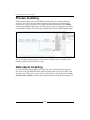
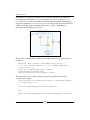
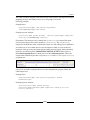
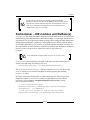
For modeling the form, first, we have to create the data origins, where we define the
mapping of data input sets to form variables and the form variables to data output
sets. In this scenario, we have to map the data input and the data output of the
customer variable.
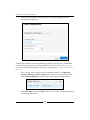
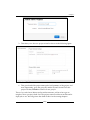
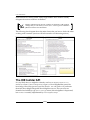
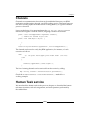
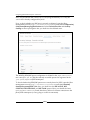
We have to fill the Id, Input Id, and Output Id fields and choose the render color for
the form. Further, we have to select the data models that the form has to represent
and click Add data holder to add a data model as a data origin for the form.
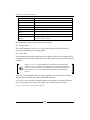
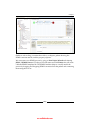
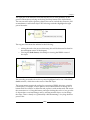
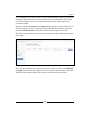
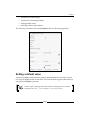
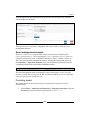
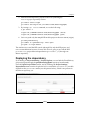
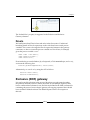
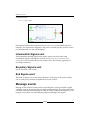
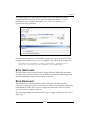
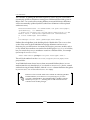
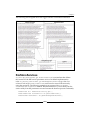
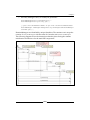
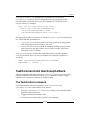
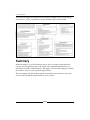
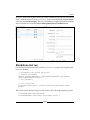
The following screenshot shows the form modeling screen after adding the customer
data origin:
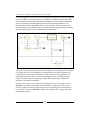
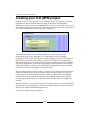
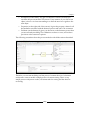
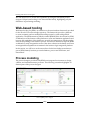
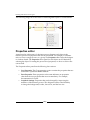
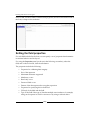
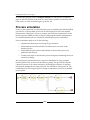
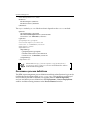
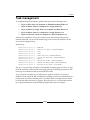
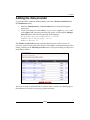
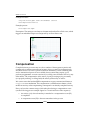
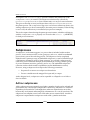
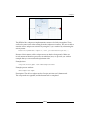
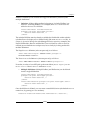
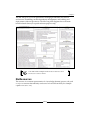
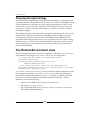
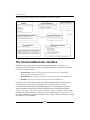
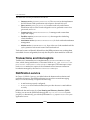
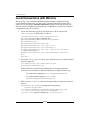
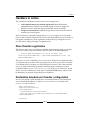
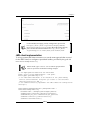
Now, we can model the look and feel of the form. For this, we choose the Add fields
by origin tab, where the data origins are listed and add to the form canvas the fields
attached in the customer data object (as shown in the following screenshot).
[ 63 ]