1
Auto Accept Rules
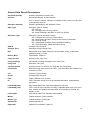
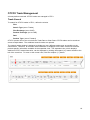
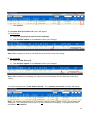
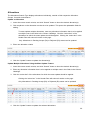
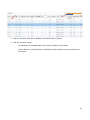
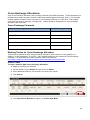
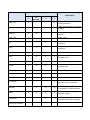
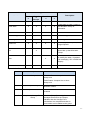
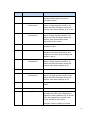
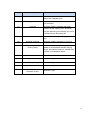
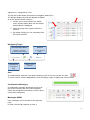
The Auto Accept screen allows a firm to specify criteria for automatically accepting or rejecting
allocations coming in from another firm or for trades designated to be cleared by your firm.
Firms may specify Auto Accept rules for:
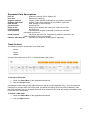
Allocations:
Allocations from a specific firm number in a specific account. Can also specify to accept into a
different account
A maximum allocation quantity to accept from a firm.
The first time and last time of the day that your firm will auto accept allocations from a firm. Note
this is a 24-hour time format (e.g. 1:00 p.m. = 1300).
When the Auto Accept criteria are met, the status of the allocation will change from ‘PA’ to ‘AA’ (Auto
Accept).
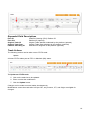
Trades:
Trades for a specific account number.
A maximum trade quantity to accept for that account.
The time frame in which auto-accept rules will apply. Note this is a 24-hour time format (e.g.
1:00 p.m. = 1300).
When the Auto Accept criteria are met, the status of the trade will change from ‘PM’ to ‘AA’ (Auto
Accept).
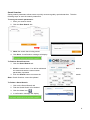
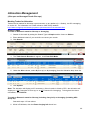
To Create an Auto Accept Rules:
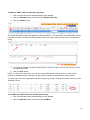
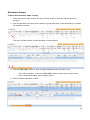
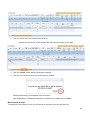
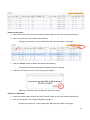
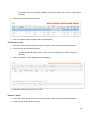
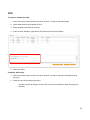
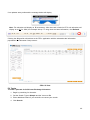
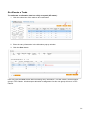
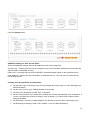
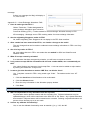
1. Click on the Settings link in the Main Menu bar, located at the top of the page
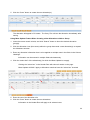
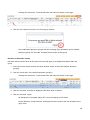
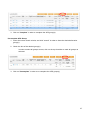
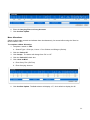
2. Click the New auto accept rule tab.
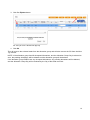
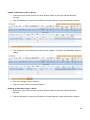
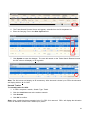
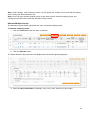
3. Select or enter the required information to define the rule.
All required fields are denoted with an asterisk (*).
57