1
4.
5.
6.
7.
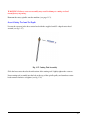
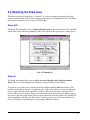
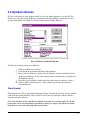
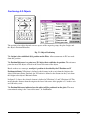
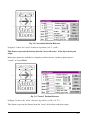
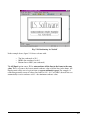
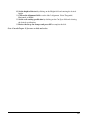
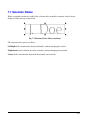
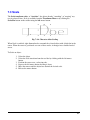
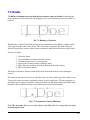
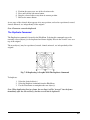
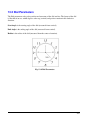
Position the cursor over one of the selection nodes.
Press and hold the left mouse button.
Drag the selected object away from its current position.
Release the mouse button.
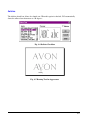
A new copy of the selected object appears in its new position, and can be repositioned, rotated,
slanted, mirrored, etc. independently of the original.
Note: Characters cannot be duplicated.
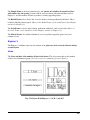
The Duplicate Command
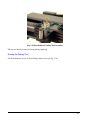
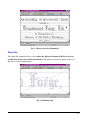
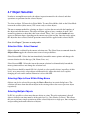
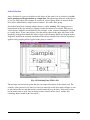
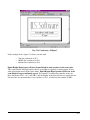
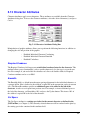
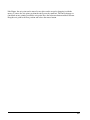
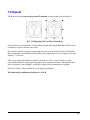
The Duplication command is located in the Edit Menu. Selecting this command causes the
currently selected object(s) to be duplicated and drawn slightly offset in the X and Y-axes over
top of the original.
The new object(s) may be repositioned, rotated, slanted, mirrored, etc. independently of the
original.
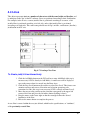
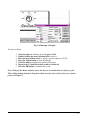
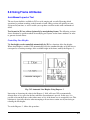
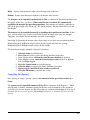
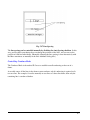
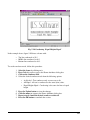
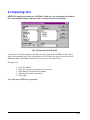
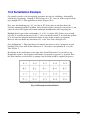
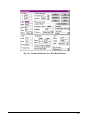
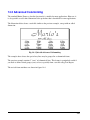
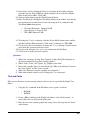
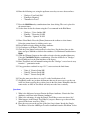
Fig. 7-12 Duplicating A Graphic With The Duplicate Command
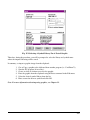
To duplicate:
1. Select the desired object(s).
2. Select the Duplicate command from the Edit Menu.
3. Use the Transforms to manipulate the new object(s).
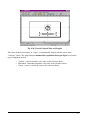
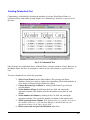
Note: When duplicating lines in a frame, the new line(s) will be "merged" into the frame
immediately after the selected line(s), but the text will not be duplicated.
168