1
Chapter 5 - Initializing the GLC
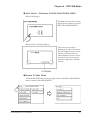
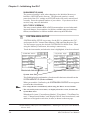
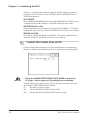
BRIGHTNESS ADJUSTMENT
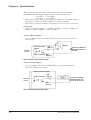
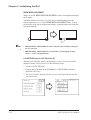
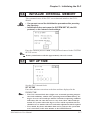
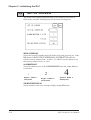
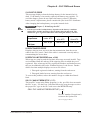
When set to ON, BRIGHTNESS ADJUSTMENTs can be accomplished through
touch input.
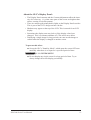
Touch the bottom left corner (2) of the screen while holding down the
bottom right corner (1) to enter BRIGHTNESS ADJUSTMENT mode. Touch
the left-side of the bar to brighten the display; touch the right-side of the bar
to dim the display.
Note:
• BRIGHTNESS ADJUSTMENT mode cannot be entered while waiting for
GLC to start up.
• BRIGHTNESS ADJUSTMENTs can be made even during RUN mode
(PLC<—>GLC communication).
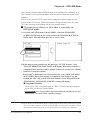
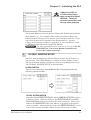
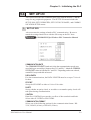
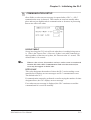
LCD SETTINGS (only for GLC100-LG41-24V)
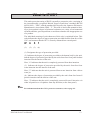
When the LCD display status is designated as reverse, the screen will be
displayed in the reversed color. Use the following steps:
1. Touch [LCD SETTINGS].
2. Change the LCD status from [NORMAL] to [REVERSE], and then,
touch the [SET] key.
3. The screen will be displayed in the reversed color and will return to the
previous screen.
5-12
GLC100 Series User Manual