1
Digital Video Recorder 440/480 Series
3.2
Quick install | en
17
First-time use
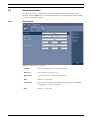
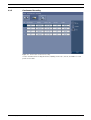
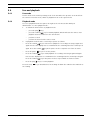
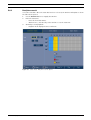
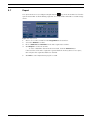
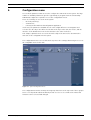
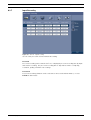
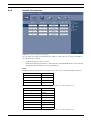
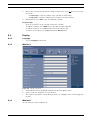
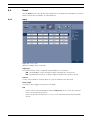
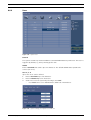
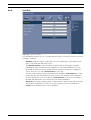
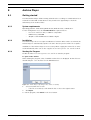
The Quick install menu opens the first time the unit is used. Fill in the basic settings in the
three tabs to get the unit operational. The unit begins recording automatically when the Quick
install menu is closed.
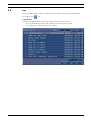
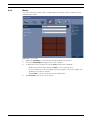
To open the Quick install menu at any other time:
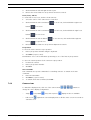
1.
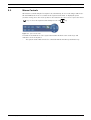
Press the menu
key to bring up the System Control Bar.
2.
Press the menu
key again to enter the main menu.
–
The main menu appears on monitor A.
3.
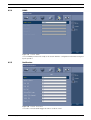
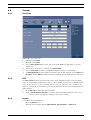
Select System, then the Configuration submenu, and finally Quick install.
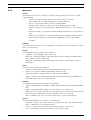
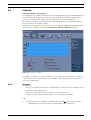
Navigating
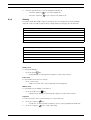
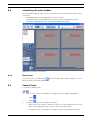
Use a USB mouse or the following front panel keys:
–
Use the enter
–
Use the arrow
–
Use the exit
key to select a submenu or item.
keys to move through a menu or list.
key to go back or to switch off the menu.
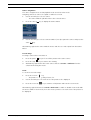
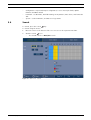
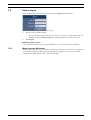
After bootup, the unit shows the log-in screen over a quad display. The default User ID is
ADMINISTRATOR, the default password is 000000 (six zeros).
Bosch Security Systems
Installation and Operation manual
AM18-Q0605 | v1.0 | 2011.05