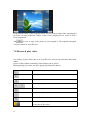
1
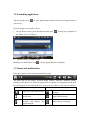
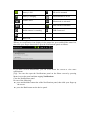
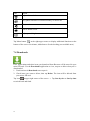
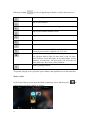
Icon
Action
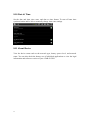
Adjust alarm clock
Play photo slideshow of internet memory or micro SD
Play music
Exit to Home screen
Adjust panel brightness
Tap Menu button
at the right-upper corner to display additional functions at the
bottom of the screen: Set alarms, Add alarm or Set the docking (not available now).
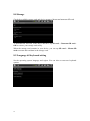
7.4 Downloads
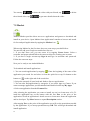
Files, applications and other items you download from Browser will be stored in your
micro SD card. Use the Downloads application to view, reopen or delete what you’ve
downloaded.
1. Touch an item in Downloads can reopen it.
2. Check items you want to delete; then tap Delete. The item will be deleted from
your micro SD card.
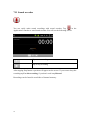
Tap icon
on upper right corner of the screen → Tap Sort by size or Sort by time
to switch back and forth.
19