1
Chapter 5 Router Configuration
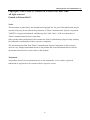
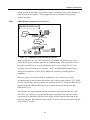
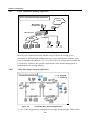
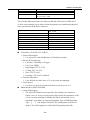
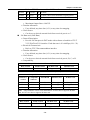
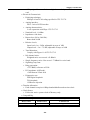
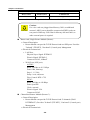
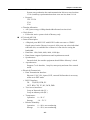
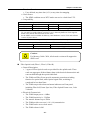
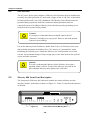
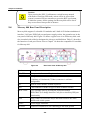
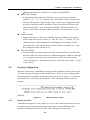
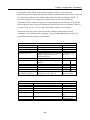
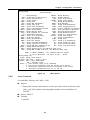
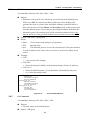
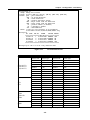
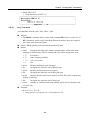
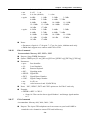
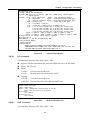
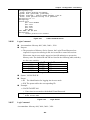
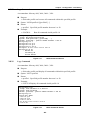
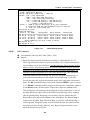
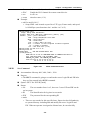
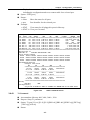
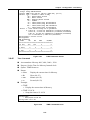
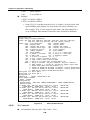
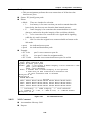
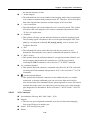
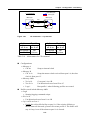
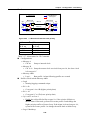
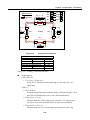
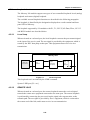
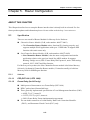
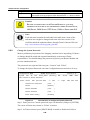
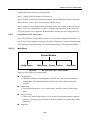
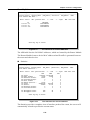
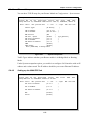
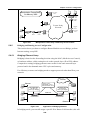
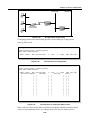
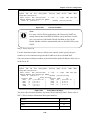
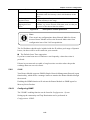
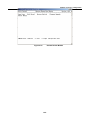
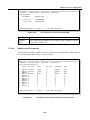
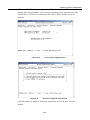
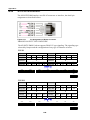
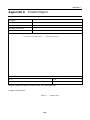
!!! Welcome to Access Mercury Channelized Router !!!
username : root
password : root
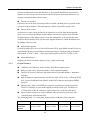
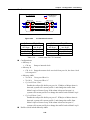
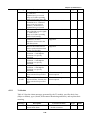
Figure 5.54
Access username and password
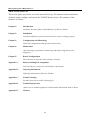
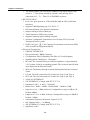
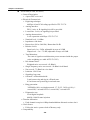
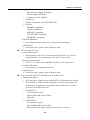
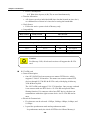
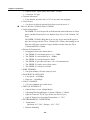
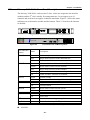
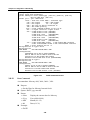
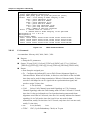
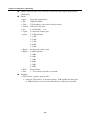
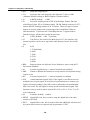
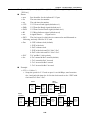
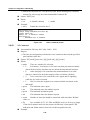
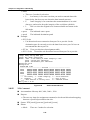
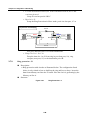
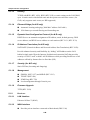
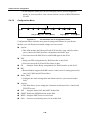
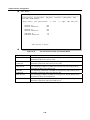
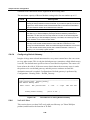
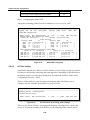
There are four categories in the Main Menu:
Configuration:
This menu includes all configuration of WAN and LAN, and some advanced
management. The detailed settings of this menu will be discussed in later sections.
Monitoring:
Use the monitoring menu to view system status, interface statistics and routing table.
Device Control:
The device control menu allows you to restore the default parameters or warm start
your Router Module using the current parameters.
Diagnosis:
In the diagnosis menu you can use ICMP ping echo to perform diagnosis on your
network.
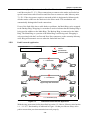
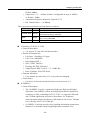
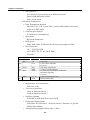
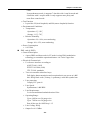
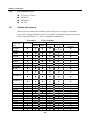
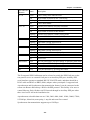
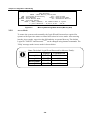
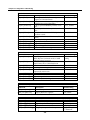
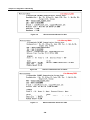
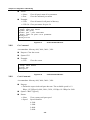
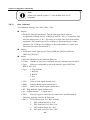
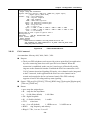
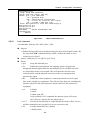
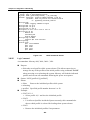
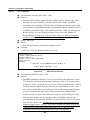
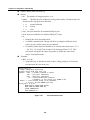
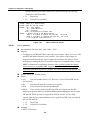
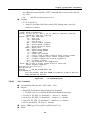
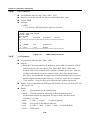
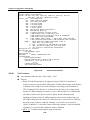
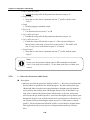
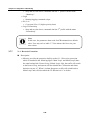
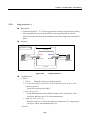
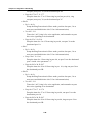
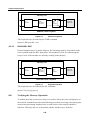
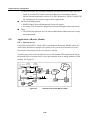
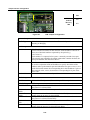
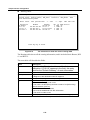
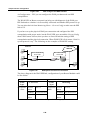
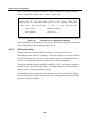
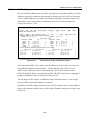
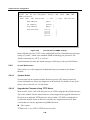
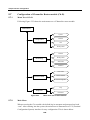
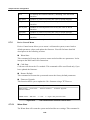
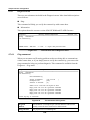
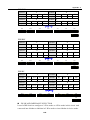
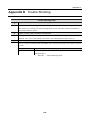
MAIN
Mercury Channelized Router
Version 1.05d
================================================================================
[Configuration]
Monitoring
Device Control
Diagnosis
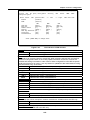
System
AUX Port
Interface
TSA
Routing Table
SNMP
ENTER:select
TAB:next
'<':left
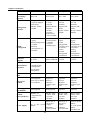
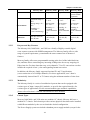
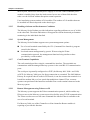
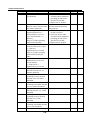
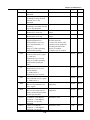
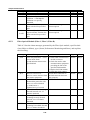
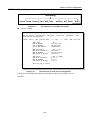
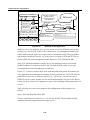
Figure 5.55
5.7.3
'>':right
ESC:previous menu
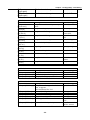
The main menu tree in Ch-r module
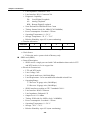
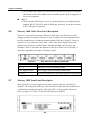
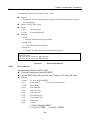
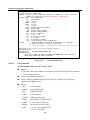
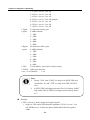
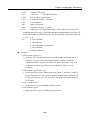
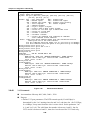
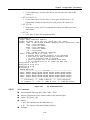
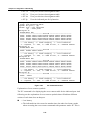
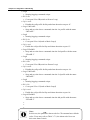
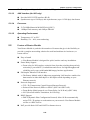
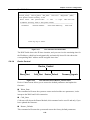
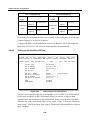
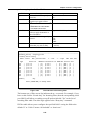
Configuration Menu
Configuration Menu includes most general settings and features for your Router
Module; you will find more detailed setting information in the following sections.
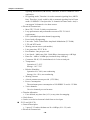
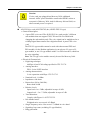
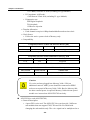
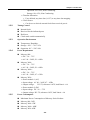
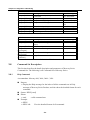
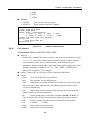
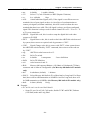
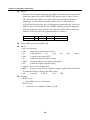
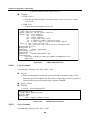
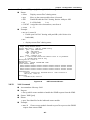
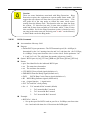
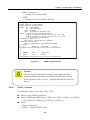
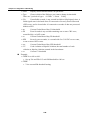
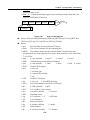
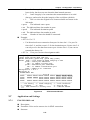
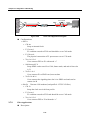
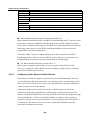
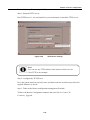
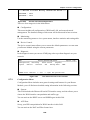
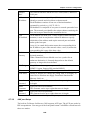
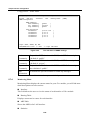
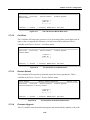
System:
This field includes the Ethernet IP and AUX interface setup, and also allows you to
choose the WAN interface encapsulation and traffic type.
You can activate the DHCP server and SNMP agent in this field.
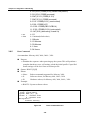
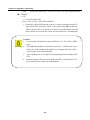
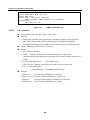
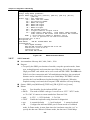
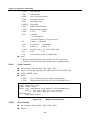
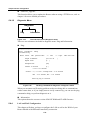
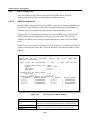
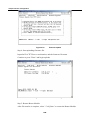
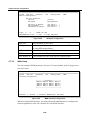
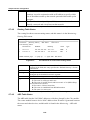
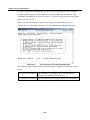
AUX Port:
Set up your PPP encapsulation for WAN interface in this field.
You can activate the NAT and Filter feature here.
-203-