1
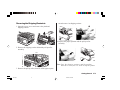
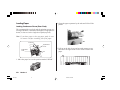
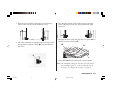
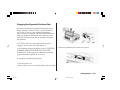
12. Replace the pull-up roller assembly and the access
cover, then turn the printer on.
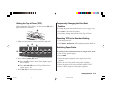
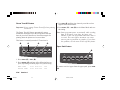
c) Press FF/LOAD to advance through the items to
Expanded Gap.
d) Press TEAR to change the setting for Expanded
Gap to Valid.
e) Press SHIFT + SEL to exit the menu and save your
setting.
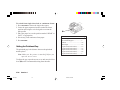
13. Change the printer’s secondary menu (make sure
paper is loaded!) to engage the expanded printhead
gap:
a) Press SEL + TEAR while turning the printer back
on.
b) Press LF to advance through the menu to the
Technical group (last option in menu).
E-14 Section 1
Sec1.p65
14
10/3/97, 9:28 AM