1
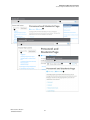
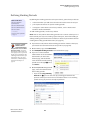
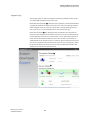
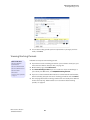
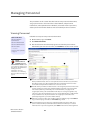
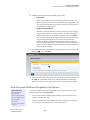
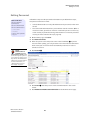
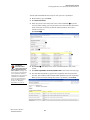
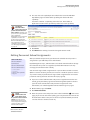
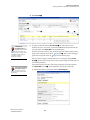
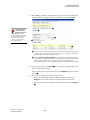
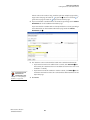
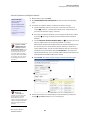
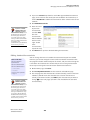
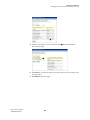
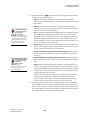
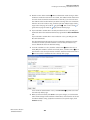
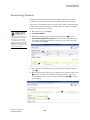
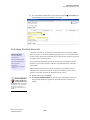
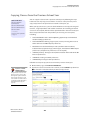
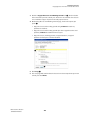
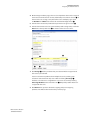
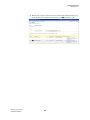
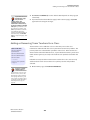
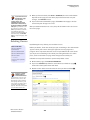
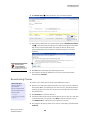
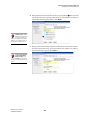
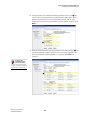
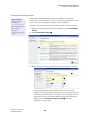
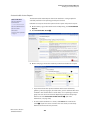
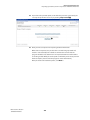
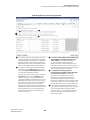
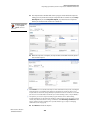
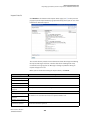
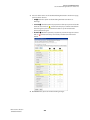
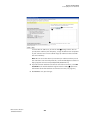
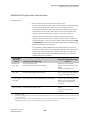
Set-up and Maintenance The Set-up and Maintenance links let you: download supporting software (see page 26) manage live chat support availability (see page 10) use the Data Editing Restrictions preference to limit editing of information on the server (see the instructions below) Set the Data Editing Restrictions Preference Who Can Do This? School Network Administrators School Network Staff School Administrators School Staff Teachers Learn more about capabilities on page 53. The program administrator can restrict data editing in Renaissance Place or warn users who are attempting to edit data. This restricts changes to information about the school network, schools, school years, personnel, students, courses or classes. Restrictions are useful if you are using a program that synchronises information in your Renaissance Place database with the information in another database. Follow these steps to restrict or warn users who are trying to edit data: 1. On the Home page, click Product Administration. 2. Click Set Data Editing Restrictions Preference under Set-Up and Maintenance on the Product Administration page. Renaissance Place™ Software Manual 208