1
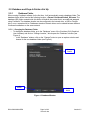
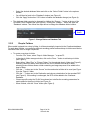
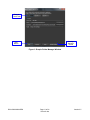
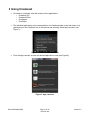
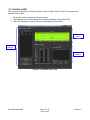
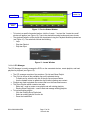
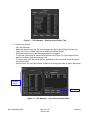
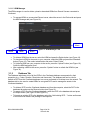
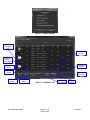
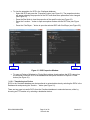
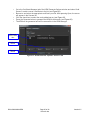
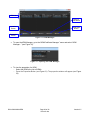
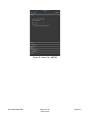
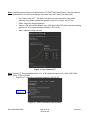
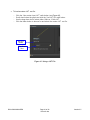
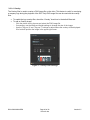
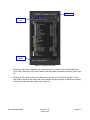
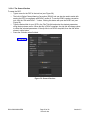
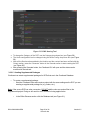
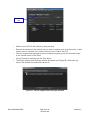
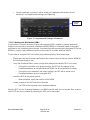
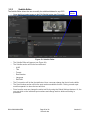
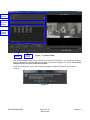
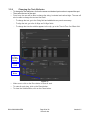
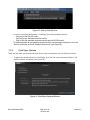
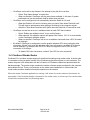
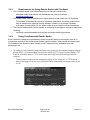
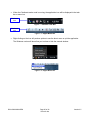
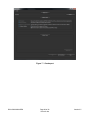
Figure 59: DCNC Naming Tool To change the Category of the DCP, use the Category drop-down box (see Figure 58). The Audio configuration can be changed using the Audio Config. drop-down box (see Figure 58). After all the files have been added to the timeline and the content has been verified with the Output section, press the “Generate” button in the General section to start creating the DCP (see Figure 58). After pressing the Generate button, the CineAsset GUI will open and the status can be monitored in the task tab. 3.2.2.5 Creating Supplemental Packages CineAsset can create supplemental packages for DCPs that are in the CineAsset Database. • To create a supplemental package: ◦ Start the CineAsset Editor and create a project with the same settings as the DCP you are creating a supplemental package for (e.g. codec, etc.). Note: If the source DCP has color conversion, DO NOT add the color conversion filter to the supplemental project. Doing so will result in color conversion being applied twice. • In the Editor Browser section click the Database tab (see Figure 61). DCA.OM.000488.DRM Page 53 of 82 Doremi Labs Version 2.5