1
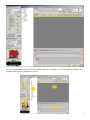
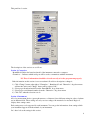
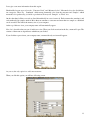
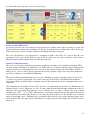
Column 6: Visual appearance of the target color selected in previous target.
Column 7: Visual appearance of the calculated or found recipe
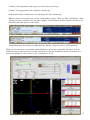
In this windows there is another state-of-art advantage. We call it “Smart recipe”
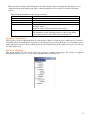
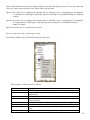
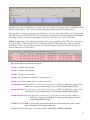
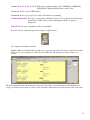
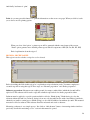
When you click on a row in blue area, you get a menu with two options. These are “Print” and “Modify”. If the
selected row refers a calculated color, the option “Modify” is in disabled mode. If the selected row refers a color
from archive then this option becomes enable.
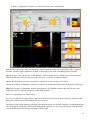
A magnificant State-of-Art feature is hidden under this “Modify” option. Let’s have a look at it detailly.
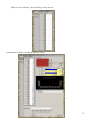
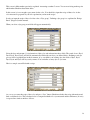
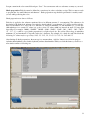
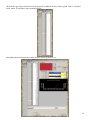
When you select this option a new window which will makes your life more comfortable will appear. You can
modify the recipe in this screen and see results of the final color. Recipe modification means you can increace or
decrease the quantity of a dye or remove a dye or add/replace a dye etc.
37