1
Oki Data CONFIDENTIAL
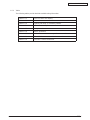
6.
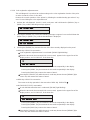
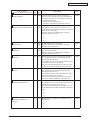
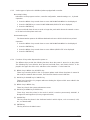
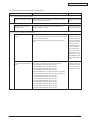
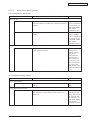
Press the [BACK] key (except for the status of Item 4.) to terminate the setup. (Status of Item
1 restored)
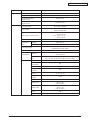
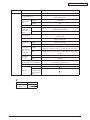
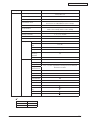
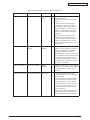
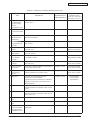
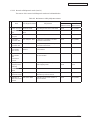
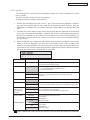
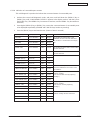
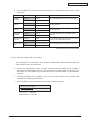
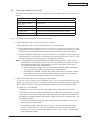
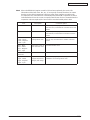
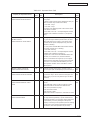
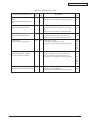
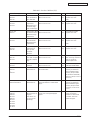
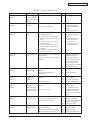
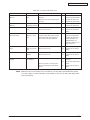
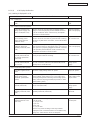
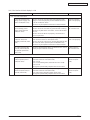
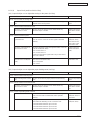
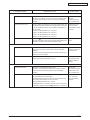
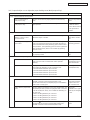
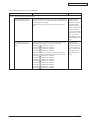
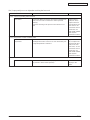
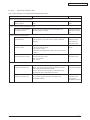
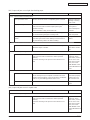
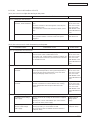
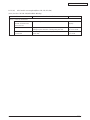
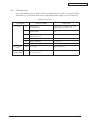
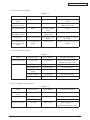
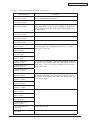
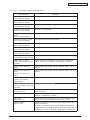
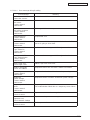
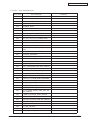
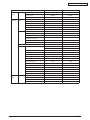
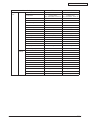
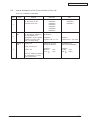
Indication
Set Value
Operation of set value
TONER
SENSOR
ENABLE
Detects.
DISABLE
Does not detect.
BELT UNIT
CHECK
ENABLE
Checks
DISABLE
Does not check.
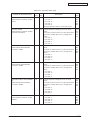
ID UNIT
CHECK
ENABLE
Checks
DISABLE
Does not check.
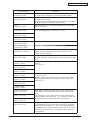
P/DOWN
U
SENSOR
ENABLE
Detects.
DISABLE
Does not Detect.
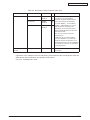
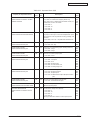
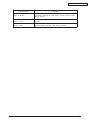
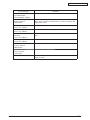
REG ADJUST ENABLE
ERROR
DISABLE
Stops.
DRUM OVER
LIFE
STOP
Does not extend life.
CONTINUANCE
Extends life.
Does not stop.
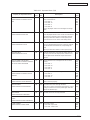
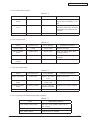
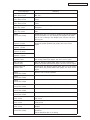
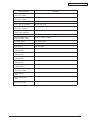
Function
For enabling/disabling toner sensor operation.
For enabling/disabling checking operation for
mounted belt unit.
For enabling/disabling checking operation for
mounted ID unit.
For enabling/disabling ID UP/DOWN sensor
operation.
For enabling/disabling the stop of error issuance,
based on color drift detection value.
For enabling/disabling extending the drum life.
Hatched part: Denotes the default.
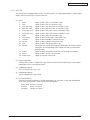
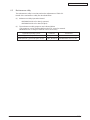
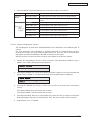
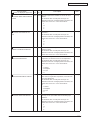
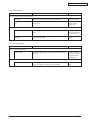
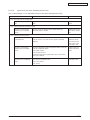
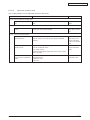
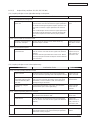
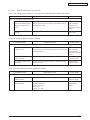
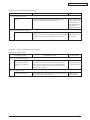
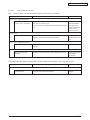
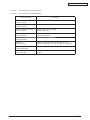
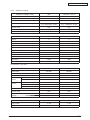
6.3.2.12 Indication of LED head serial number
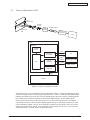
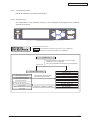
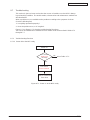
This self-diagnosis is practiced to check whether a downloaded LED head data matches the
serial number of the actual LED head.
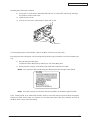
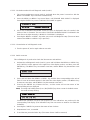
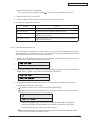
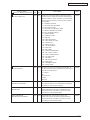
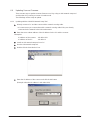
1.
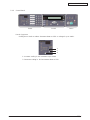
Activate the self-diagnostic mode, and press and hold down the [MENU+] key or [MENU-]
key, until "LED HEAD DATA" appears in the upper line of the display section, and then, press
the ENTER key. (The MENU+ key increments a test item, and the MENU- key decrements a
test item.)
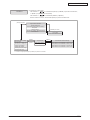
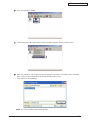
2.
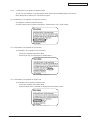
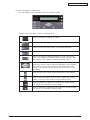
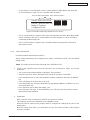
Pressing the [MENU+] key or [MENU-] key causes the serial numbers of the K/Y/M/C LED
head data to be displayed sequentially.
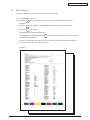
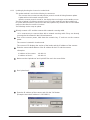
3.
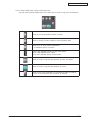
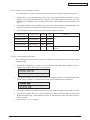
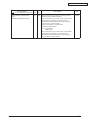
Press the [BACK] key to terminate the test. (Status of Item 1 restored)
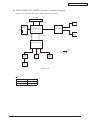
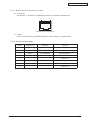
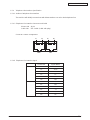
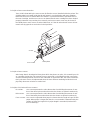
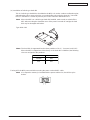
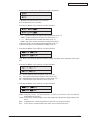
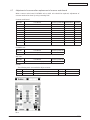
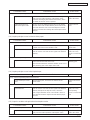
** ** ** ****
: Rev No.
xxxxxxxxxxxxx : Serial No.
44158801TH Rev.3
170 /