1
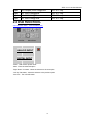
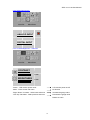
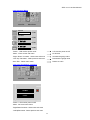
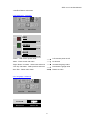
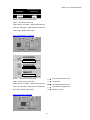
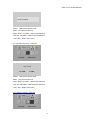
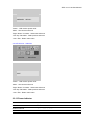
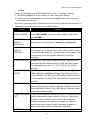
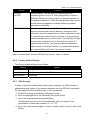
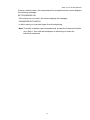
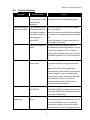
RPD-1171/1178 User Manual When a port has been selected, an arrowhead displays in the QV column to indicate so. The arrowhead disappears when a port is deselected. ♦ F5 Edit: To help remember which computer is attached to a particular port, every port can be given a name. The Edit function allows you to create, modify, or delete port names. To Edit a port name: 1. Move the highlight bar to the port you want to edit. 2. Press [F5]. 3. Key in the new Port Name, or modify/delete the old one. The maximum number of characters allowed for the Port Name is 15. Legal characters include: All alpha characters: a - z; A - Z All numeric characters: 0 - 9 +, -, /, :, ., and Space Case does not matter; OSD displays the Port Name in all capitals no matter how they were keyed in. 4. When you have finished editing, press [Enter] to have the change take effect. To abort the change, press [Esc]. 37