1
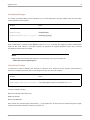
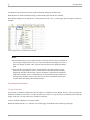
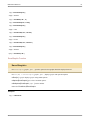
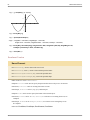
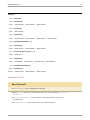
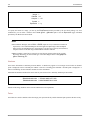
72 Mathematica Reference In[7]:= ExcelClose In[8]:= s ToFileNameExcelDirectory"Link", "Templates", "Report.xls" Out[8]= C:\Documents and Settings\Anton\Application Data\Mathematica\Applications\ExcelLink\Templates\Report.xls In[9]:= ExcelNews Out[9]= Book: Report1 In[10]:= ExcelClose[] ExcelObject Function ExcelObject ExcelObject["type", id] represents an object of the specified type identified by id in the active context. ExcelObject["type", context] @ ExcelObject["type", id] provides a context for the object id. All Excel objects are represented internally in this form. See also: ExcelCheck, ExcelName, ExcelContext, ExcelBook, ExcelSheet, ExcelRange, ExcelShape. Examples In[1]:= <<ExcelLink` In[2]:= object=ExcelRange["Sheet1", "A1"] Out[2]= Range: A1 In[3]:= InputForm[object] Out[3]//InputForm= ExcelObject["Sheet", "Sheet1"][ExcelObject["Range", "A1"]] In[4]:= object=ExcelRange["Book1", "Sheet1", "A1"] Out[4]= Range: A1 In[5]:= InputForm[object] Out[5]//InputForm= ExcelObject["Book", "Book1"][ExcelObject["Sheet", "Sheet1"][ ExcelObject["Range", "A1"]]]