1
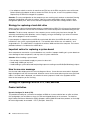
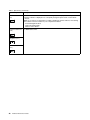
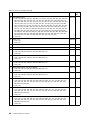
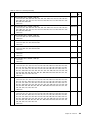
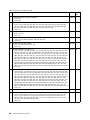
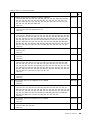
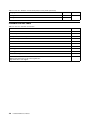
Table 7. Special keys (continued)
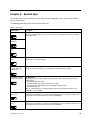
Special key
Description
Wireless radio control
(F9)
Enables or disables the built-in wireless networking features. If you press this key, a list
of wireless features is displayed. You can quickly change the power state of each feature
in the list.
Notes: If you want to use this button to enable or disable the wireless features, the following
device drivers must be installed on your computer beforehand:
• Power Management driver
• OnScreen Display Utility
• Wireless device drivers
Previous track/scene
(F10)
For Multimedia control.
Play/pause (F11)
Next track/scene
(F12)
48
Hardware Maintenance Manual