1
NetVX Configuration Procedures
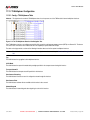
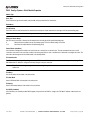
3.25 Key Configuration Procedures
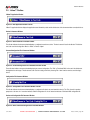
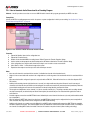
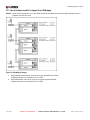
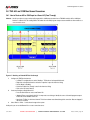
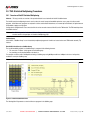
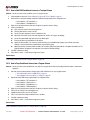
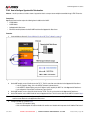
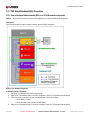
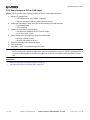
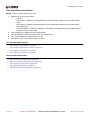
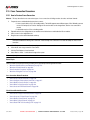
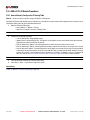
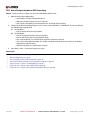
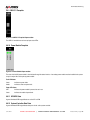
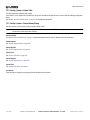
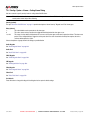
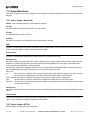
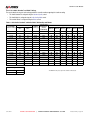
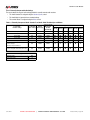
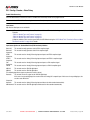
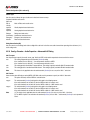
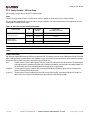
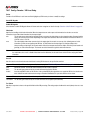
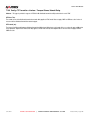
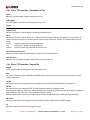
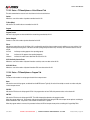
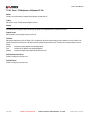
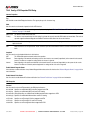
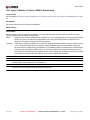
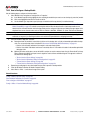
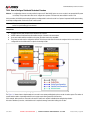
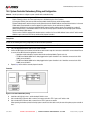
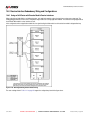
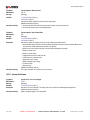
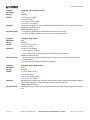
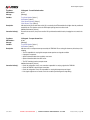
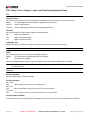
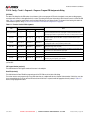
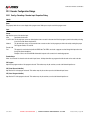
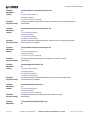
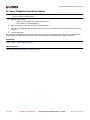
3.25.1 How to Set the System Chassis Key
1
2
3
4
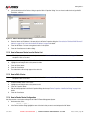
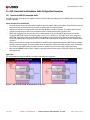
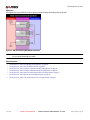
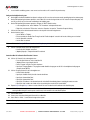
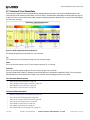
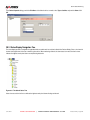
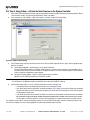
Open the ‘Key’ dialog.
• Double-click on the ‘Utilities’ branch of the configuration tree.
• Click ‘Key’ in the sub-navigation tree.
Choose the ‘System Chassis’ option.
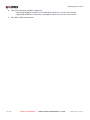
Enter the ‘Key String’.
Click the ‘Apply Key’ button to apply the key to the chassis.
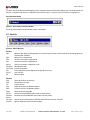
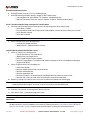
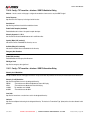
Related Dialog
"Config > Utilities > Key Dialog" on page 466
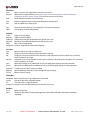
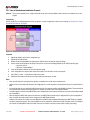
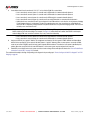
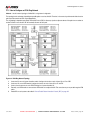
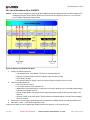
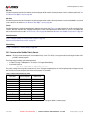
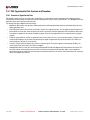
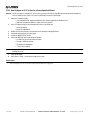
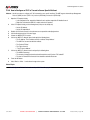
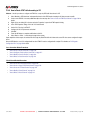
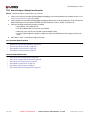
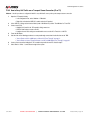
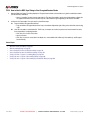
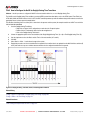
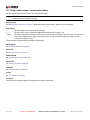
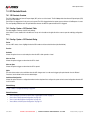
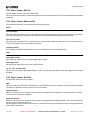
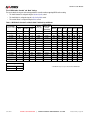
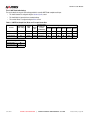
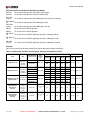
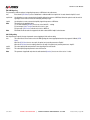
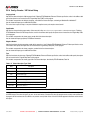
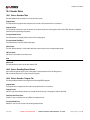
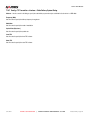
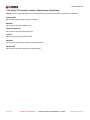
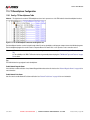
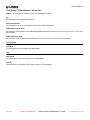
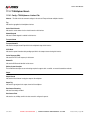
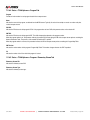
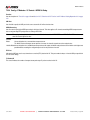
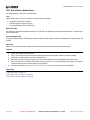
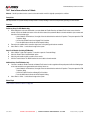
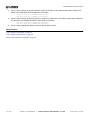
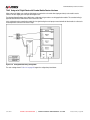
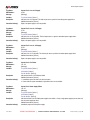
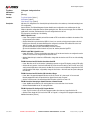
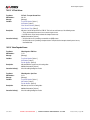
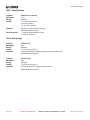
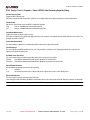
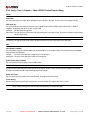
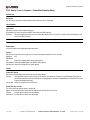
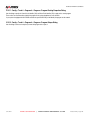
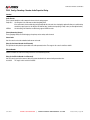
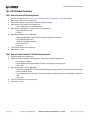
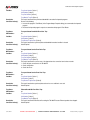
3.25.2 How to Set a Module Key
1
2
3
4
5
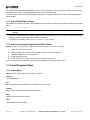
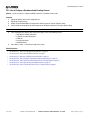
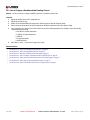
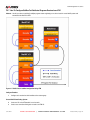
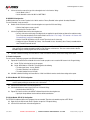
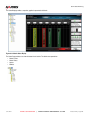
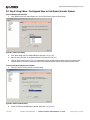
Open the ‘Key’ dialog.
• Double-click on the ‘Utilities’ branch of the configuration tree.
• Click ‘Key’ in the sub-navigation tree.
Choose the ‘Individual Module’ option.
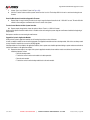
Highlight a module in the list.
Enter the ‘Key String’.
Click the ‘Apply Key’ button to apply the key to the chassis.
Related Dialog
"Config > Utilities > Key Dialog" on page 466
June 2012
HARRI S CO RPO RATI O N
|
V I D I E M E L E ME N T MA N A G E ME N T S Y S T E M
Release 6.0.0 | Page 169