1
•
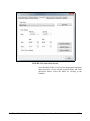
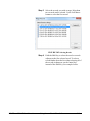
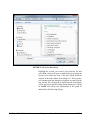
Refresh the Manual Control screen
Step 2
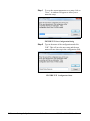
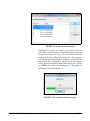
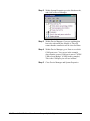
Press the Run button to start a measurement
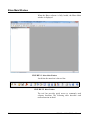
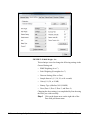
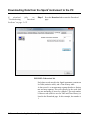
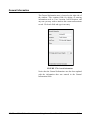
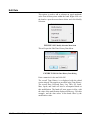
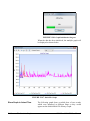
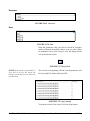
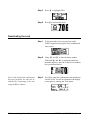
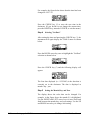
Notice that the Instrument Status area in the Manual Control
page has changed to “RUNNING” to indicate that the Spark
instrument is in the run mode. Also note that the Session
Log has been updated to reflect the running status of the
Spark instrument.
FIGURE 2-44 Status - Running
Step 3
SPARK and BLAZE User Manual
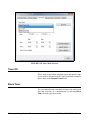
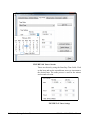
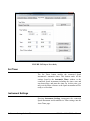
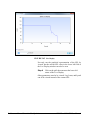
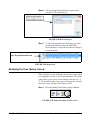
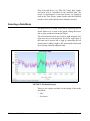
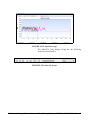
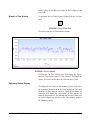
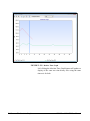
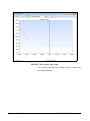
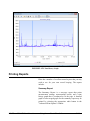
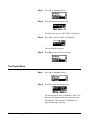
Press Live Display to see a 50-second window of
the running SPL (Sound Pressure Level) time
history.
Using Larson Davis Blaze Software
2-43