1
Com8 PhoneBook Client
User Manual
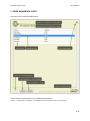
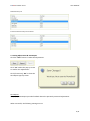
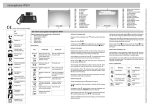
Selected entry line
Previous selected entry line removed
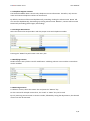
1.5 Saving Adjustments & Save Report
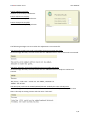
Click the “Save”-button to make the adjustments.
Click “Yes” within the pop-up screen
to confirm the adjustments.
Click (if necessary) “OK” to close the
Save Report pop-up screen.
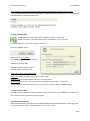
Save Report
The pop-up Save Report provides feedback about the previously executed adjustments.
When successful, the following message occurs:
6 / 11