1
-
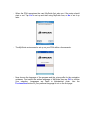
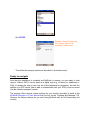
Now select the voice profile for the guided navigation the same way you did for
the written language. There may be several different possibilities in your preferred
language. To help you choose the appropriate one, when tapping any of the lines,
MyGuide will play a few words with the selected profile. Highlight the line of your
choice then tap OK to confirm your selection.
-
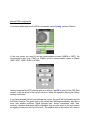
The setup procedure is finished, MYGUIDE is ready to run, and starts
automatically. Before using MyGuide the first time, you need to read carefully and
Accept the End User License Agreement or Decline it if you do not agree with
the conditions and limitations. In the latter case you will exit MyGuide.