1
SECTION 10
BATCHES - Batch Summary - Cont.
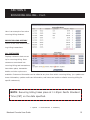
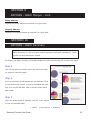
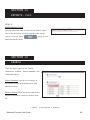
E-MAIL BATCH SUMMARY
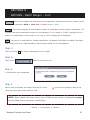
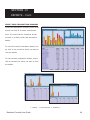
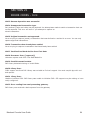
This feature allows a currently viewed Batch Summary to be e-mailed.
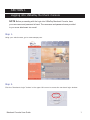
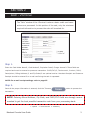
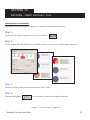
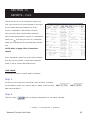
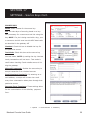
Step 1.
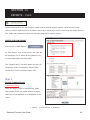
At the top of the Batch Summary, click the e-mail button.
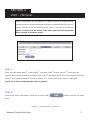
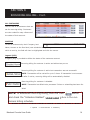
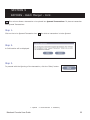
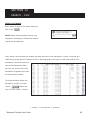
Step 2.
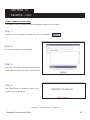
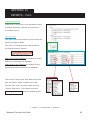
An e-mail windows will be displayed.
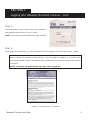
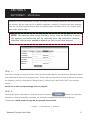
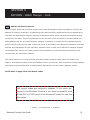
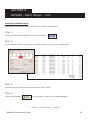
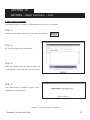
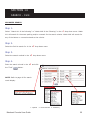
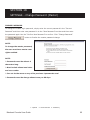
Step 3.
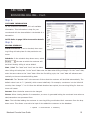
Enter the merchants e-mail and also enter the
e-mail address where the batch will be sent to.
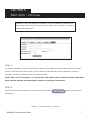
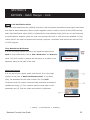
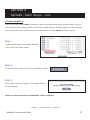
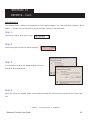
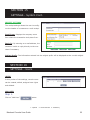
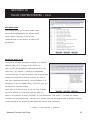
Step 4.
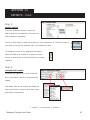
Click “Send Email” to send the e-mail. A confirmation will be displayed.
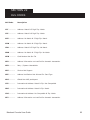
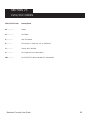
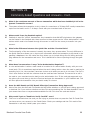
1 - Optional
Merchant Console User Guide
2 - Recommended
3 - Mandatory
32