1
s
Envisat DDS - Receiver User Manual
issue 1 revision 1 - 26/11/2001
ENVI-GSEG-EOAD-MA-01-0005
page 13 of 35
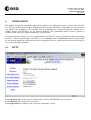
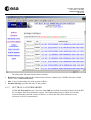
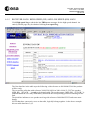
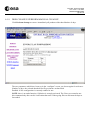
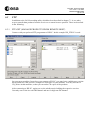
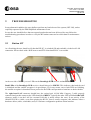
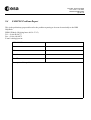
Upon first connect, the service presents the ESRIN HELPDESK co-ordinates.
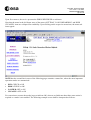
Note that the menu in the left frame some of the menu (OUTTRAY, LAN FORWARDING, and DISK
CLEANUP) items are collapsed for readability. Upon clicking on the respective menu item, the menu sub
items appear.
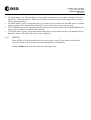
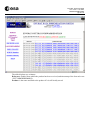
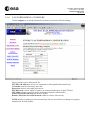
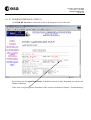
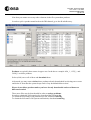
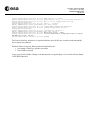
NOTE that the second line in most of the following pages contains a status line, where the most important
operation modes are summarised:
•
•
•
•
DVB=CHECK or OK
DISK=CHECK or OK
LANFWD=OFF or ON
CLEANUP=OFF or ON
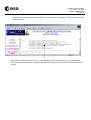
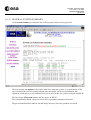
For convenience reasons the modes in green indicate OK, whereas red indicates that either some action is
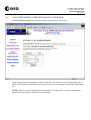
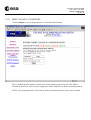
required or a mode is not enabled. The following example screen shall be interpreted as follows: