1
USER MANUAL
Peplink Balance Series
C.2
Maintaining the Same IP Address throughout a Session
C.2.1 Scenario
Some client IP address sensitive web sites (for example, Internet banking) use both client IP address and
cookies matching for session identification. Since different IP addresses are used during the load
balancing, the session is dropped when a mismatching IP is detected.
C.2.2 Solution
Make use of the Persistency functionality of Peplink Balance.
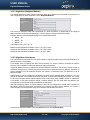
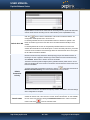
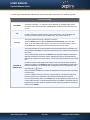
With Persistence is configured and the option By Destination is selected, Peplink Balance uses a
consistent WAN connection for source-destination pairs of IP addresses, and prevents sessions from
being dropped.
With Persistence is configured and the option By Source is selected, Peplink Balance uses a consistent
WAN connection for same source IP addresses. This option offers even higher application compatibility
but the outbound traffic load will be distributed more evenly only if more users use the Internet.
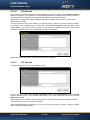
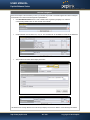
C.2.3 Settings
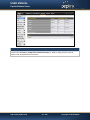
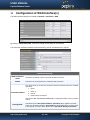
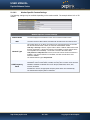
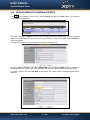
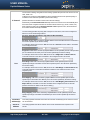
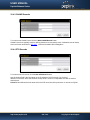
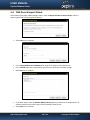
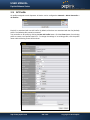
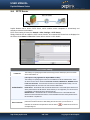
Set persistence in:
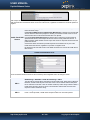
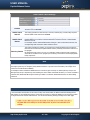
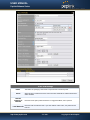
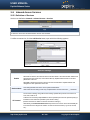
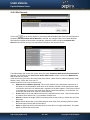
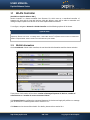
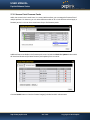
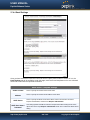
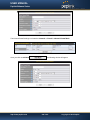
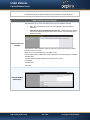
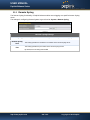
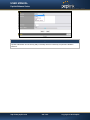
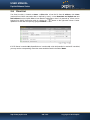
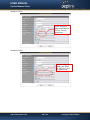
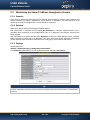
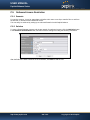
Network > Outbound Policy > Managed by Custom Rules
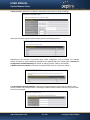
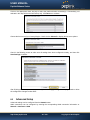
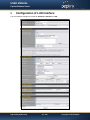
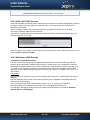
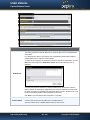
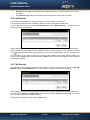
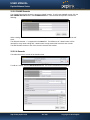
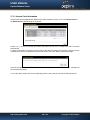
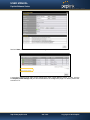
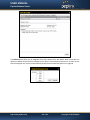
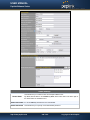
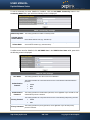
Click Add Rule, select HTTP (TCP port 80) for web service, and select Persistence.
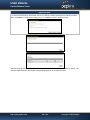
Tip
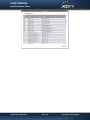
A network administrator can use the Traceroute utility to manually analyze the connection path of a particular WAN
connection.
http://www.peplink.com
-181 / 193 -
Copyright © 2012 Peplink