1
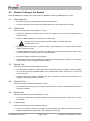
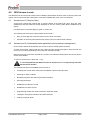
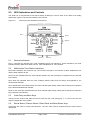
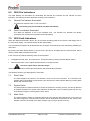
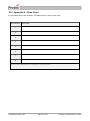
18.0 Appendix 3 – 3500 Operation Quick Reference Guide 18.1 Entering Access Level 2 Using the keypad enter the user code (supplied with the control panel’s documentation), or turn the key-switch (depending on the model purchased). 18.2 Returning to Access Level 1 Press the ‘’ key. 18.3 Testing the Front Panel Indicators and Internal Buzzer From access level 2, press button '3' to activate lamp test mode. Check all indicators illuminate and the internal buzzer sounds. 18.4 Performing a Weekly Test From access level 2 press button '2' to activate weekly test mode. Test a device on the relevant zone. The alarms will sound for 10 seconds, then the 3500 will automatically reset and exit test mode. 18.5 Muting the Internal Buzzer and accepting Current Faults From access level 2 press the 'Mute Buzzer' button. 18.6 Sounding the Alarms From access level 2 press the 'Sound Alarms' button. 18.7 Silencing the Alarms From access level 2 press the 'Silence Alarms' button. A further activation will re-sound the alarms. 18.8 Resetting after an alarm Determine the cause of the alarm before resetting the panel Ensure the cause of the alarm has been removed, and any Manual Call Points locally reset. From access level 2 press the 'Silence Alarms' button then press the 'Reset Panel' button. N 93-585-83 Issue 2 AB Page 23 of 25 © Protec Fire Detection PLC 2015