1
Galera Documentation, Release 3.x
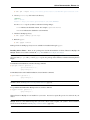
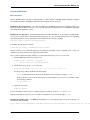
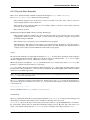
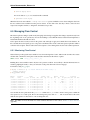
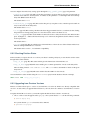
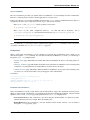
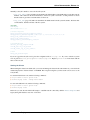
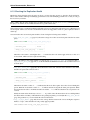
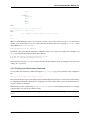
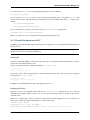
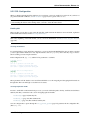
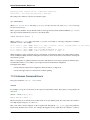
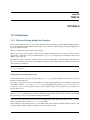
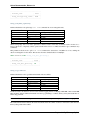
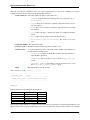
# openssl x509 -req -in server-req.pem -days 365000 \
-CA ca-cert.pem -CAkey ca-key.pem -set_serial 01 \
-out server-cert.pem
This creates a key and certificate file for the server. They are in the current working directory as server-key.pem
and server-cert.pem. Each node requires both to secure database server activity and replication traffic.
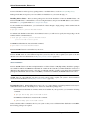
Client Certificate
The node uses the client certificate to secure client-side activity. In the event that you prefer physical transfer methods
for state snapshot transfers, rsync for instance, the node also uses this key and certificate to secure stunnel.
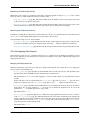
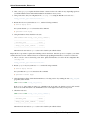
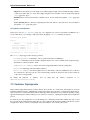
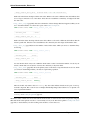
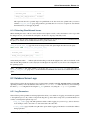
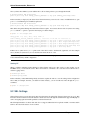
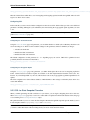
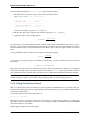
1. Create the client key.
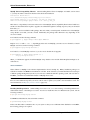
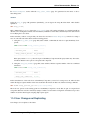
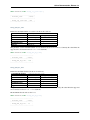
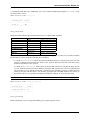
# openssl req -newkey rsa:2048 -days 365000 \
-nodes -keyout client-key.pem -out client-req.pem
2. Process client RSA key.
# openssl rsa -in client-key.pem -out client-key.pem
3. Sign the client certificate.
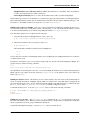
# openssl x509 -req -in client-req.pem -days 365000 \
-CA ca-cert.pem -CAkey ca-key.pem -set_serial 01 \
-out client-cert.pem
This creates a key and certificate file for the database client. They are in the current working directory as
client-key.pem and client-cert.pem. Each node requires both to secure client activity and state snapshot transfers.
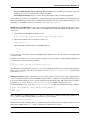
Verifying the Certificates
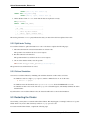
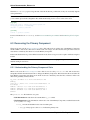
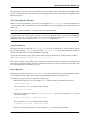
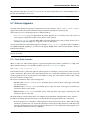
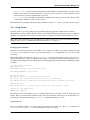
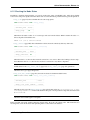
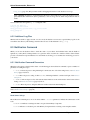
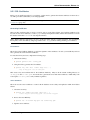
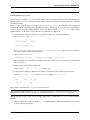
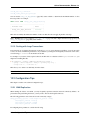
When you finish creating the key and certificate files, use openssl to verify that they were generated correctly:
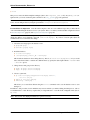
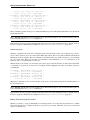
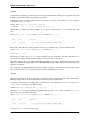
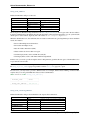
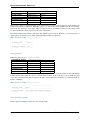
# openssl verify -CAfile ca-cert.pem \
server-cert.pem client-cert.pem
server-cert.pem: OK
client-cert.pem: OK
In the event that this verification fails, repeat the above process to generate replacement certificates.
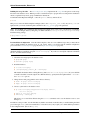
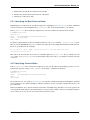
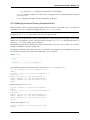
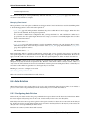
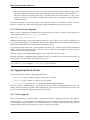
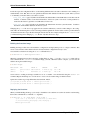
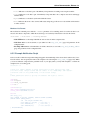
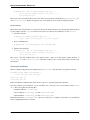
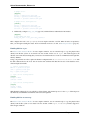
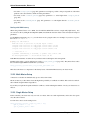
Once the certificates pass verification, you can send them out to each node. Use a secure method, such as scp or
sftp. The node requires the following files:
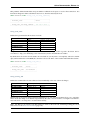
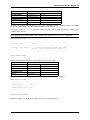
• Certificate Authority: ca-cert.pem.
• Server Certificate: server-key.pem and server-cert.pem.
• Client Certificate: client-key.pem and client-cert.pem.
Place these files in the /etc/mysql/certs directory of each node, or a similar location where you can find them
later in configuring the cluster to use SSL.
122
Chapter 9. Security