1
Operation
SMA Solar Technology AG
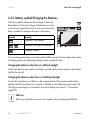
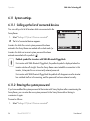
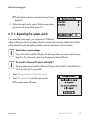
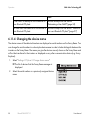
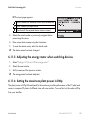
6.5.2 Battery symbol/Charging the batteries
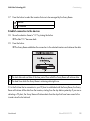
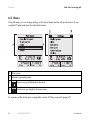
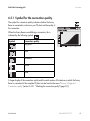
The battery symbol indicates the state of charge of the Sunny
Beam batteries. If the state of charge of the batteries is too low,
a short acoustic signal will sound as soon as you use the Sunny
Beam. In addition, a message will appear on the display.
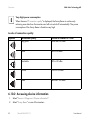
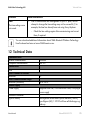
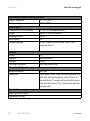
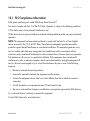
Symbol
Meaning
The battery is fully charged.
The battery is no longer fully charged.
The battery is empty.
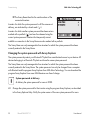
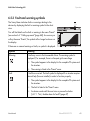
If you are charging the batteries via the Sunny Beam USB connection, the Sunny Beam will visualize
the charging process by displaying the battery symbols one after the other.
Charging the batteries when there is sufficient daylight
Put the Sunny Beam in a place with as much light as possible, ideally in direct sunlight, so that sufficient
light hits the solar cell.
Charging the batteries when there is insufficient daylight
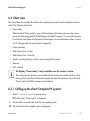
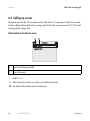
Connect the Sunny Beam to a USB port on the computer with the USB connection cable which is
delivered with the Sunny Beam. If no computer is available, use the USB plug-in power supply. The
USB plug-in power supply is not included in the scope of delivery (see section 13 "Accessories"
(page 79)).
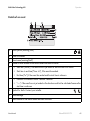
USB hubs
When using a USB hub to connect to the computer, only use self-powered USB hubs.
42
SBeamBT-BUS092710
User Manual