1
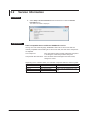
1.1 Overview
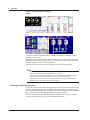
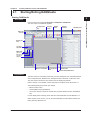
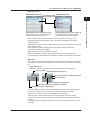
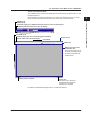
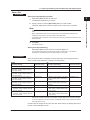
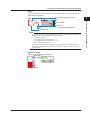
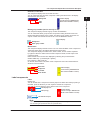
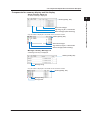
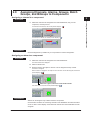
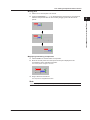
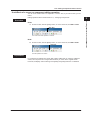
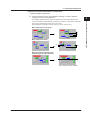
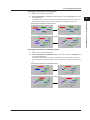
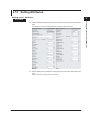
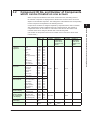
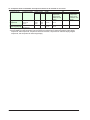
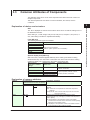
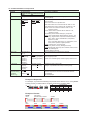
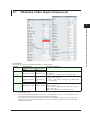
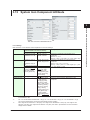
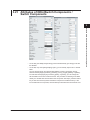
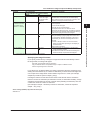
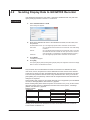
Monitor Screen Creation Examples
GX/GP
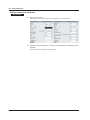
DX
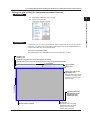
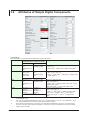
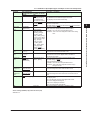
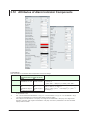
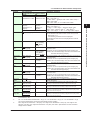
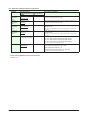
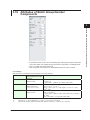
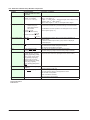
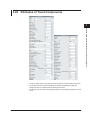
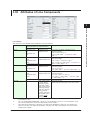
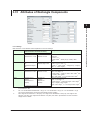
A screen is composed of multiple parts, and background setting and display of static
images also can be done.
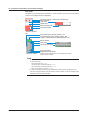
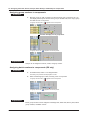
Multiple parts can be related to each other, and parts can be combined with other parts.
Measuring channels are allotted to parts. Size, character font, color, unit, group control,
and other attributes are set for each created part.
Parts can be laid out freely in the screen display area at screen grid intervals.
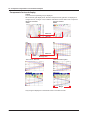
Note
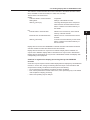
• Monitor screens are displayed correctly only when the language kind of the GX/GP/DX
recorder and the language kind of DAQStudio are the same.
• As screens being created with DAQStudio cannot display measuring values, the display
differs from the custom display execution screen of the GX/GP/DX recorder.
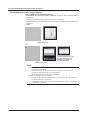
• DAQStudio cannot open a connection with the GX/GP/DX recorder if the GX/GP/DX is
already communicating with another software program.
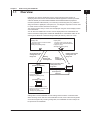
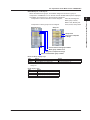
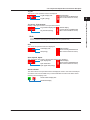
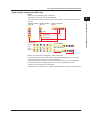
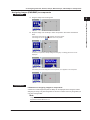
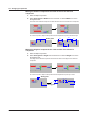
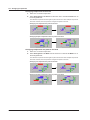
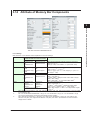
Creating and Saving Screens
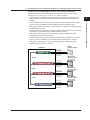
An original monitor screen can be created newly or it can be created by receiving display
data from the GX/GP/DX recorder and editing them with DAQStudio. The display data
from the GX/GP/DX recorder can be retrieved via Ethernet or display data of the GX/GP/
DX recorder saved to external storage media (CF card) can be read in.
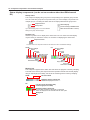
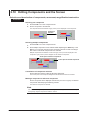
Edited or created display data are stored on the hard disk of the computer or external
storage media (CF card) and are sent to the GX/GP/DX recorder.
1-2
IM 04L41B01-62EN