1
International Financial Management
Solomon 4.5: Chart of accounts (COA)
9—6
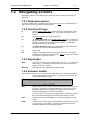
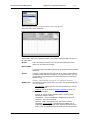
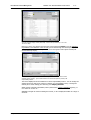
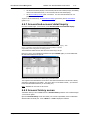
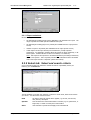
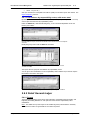
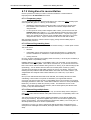
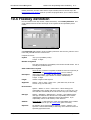
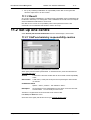
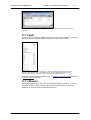
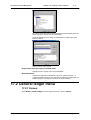
Select field options for accounts
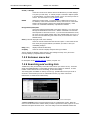
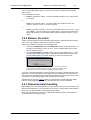
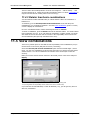
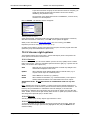
The abbreviation to the right of the period (full stop) allows you to limit your selection by
certain criteria, such as:
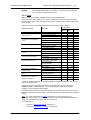
Field extension
yields information by…
.acct
account (number)
.accttype
account type (asset, liability, income, expense). Note that this selection seems to
produce a blank report.
.active
account status (active, inactive)
.classid
account class
.descry
description (account title)
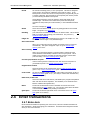
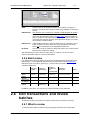
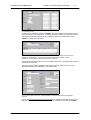
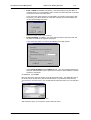
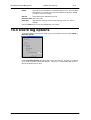
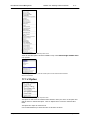
In the “Operator” field determine how the reported value should relate to the criteria (equal,
begin with, be greater than etc.). Press the down-arrow to get a list of available operators.
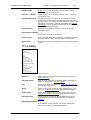
In the “Value” field, indicate the criteria to be applied by the “Operator” to the selected “Field”.
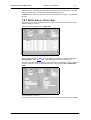
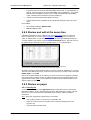
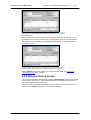
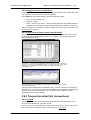
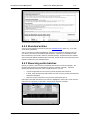
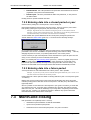
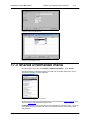
Example
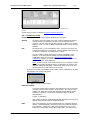
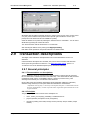
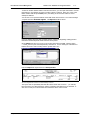
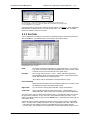
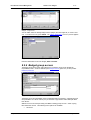
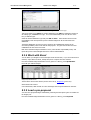
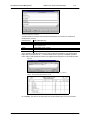
Selection where ”account” (criteria field) “begins with” (operator) number 1
(value). The result will be all asset accounts.
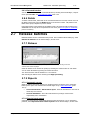
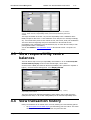
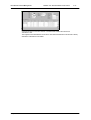
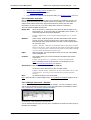
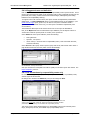
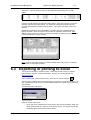
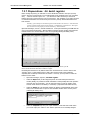
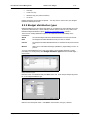
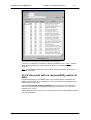
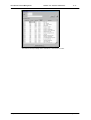
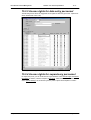
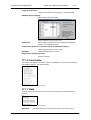
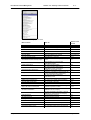
Report resulting from above selection (all accounts beginning with digit 1)
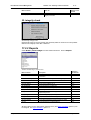
For readability, the chart of accounts report has a horizontal line after every four accounts.
Campus Crusade for Christ International
January 2003