1
ADMINISTRATION
CENTER
2.0
eMPATHY ANALYTICAL
INTERFACE
FUNCTIONALUSER
SPECIFICATIONS
MANUAL
8. LIST MODULE
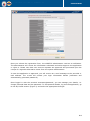
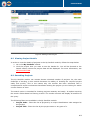
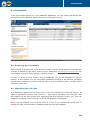
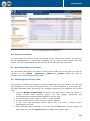
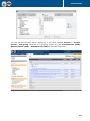
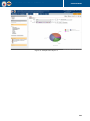
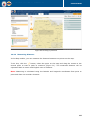
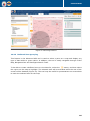
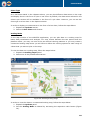
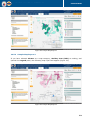
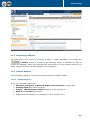
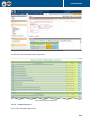
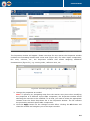
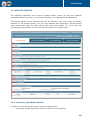
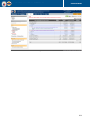
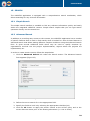
In the List module (Figure 15) of the eMPATHY application, you can create and execute adhoc queries on the data and acquire the results in the form of a list.
Figure 15: List Module
8.1 Accessing the List Module
A list consists of at least one group and one column, but the actual quantity of groups and
columns is defined by the user’s choice of view. Please see Modifying the Current View for
more details on how to define groups / columns of a list.
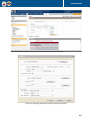
In order to access the List module, click the List tab. You will be navigated to the List
module. In this module, you can view data organised according to the selected groupings
and columns, modify the currently used list, save it as a pre-defined report, include it under
a definite group, etc.
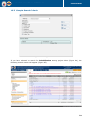
8.2 Expanding the List Item
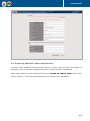
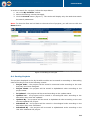
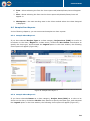
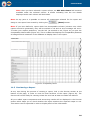
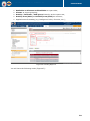
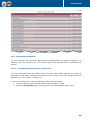
It is possible to expand the list item level to view the information of the sub-level(s). In
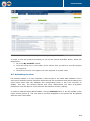
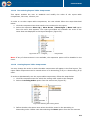
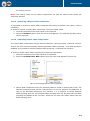
order to expand the list item level, click the ‘+’ sign next to the name of the list item. This
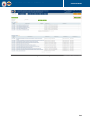
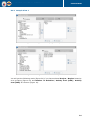
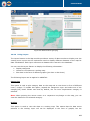
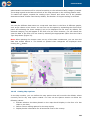
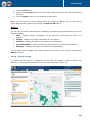
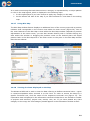
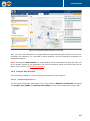
will expand the list item group level displaying the first sub-level (Figure 16). This can
further be expanded unless there are no more sub-levels to be displayed.
Note: You can expand only one group level at a time. If you expand the group level of
another list item, the previously expanded group level will get collapsed.
28