1
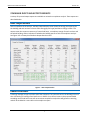
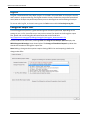
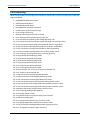
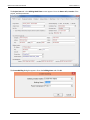
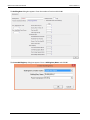
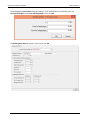
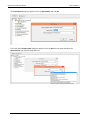
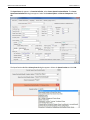
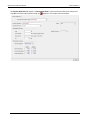
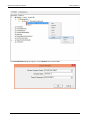
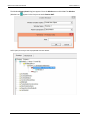
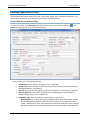
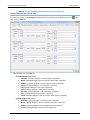
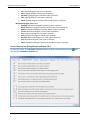
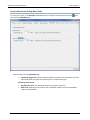
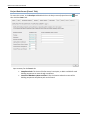
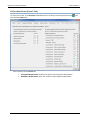
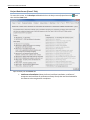
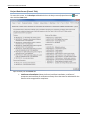
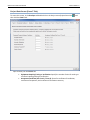
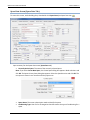
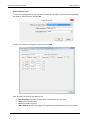
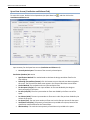
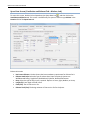
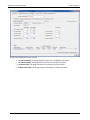
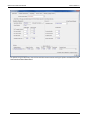
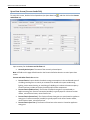
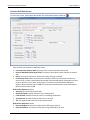
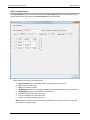
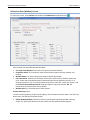
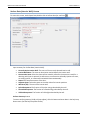
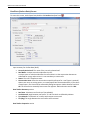
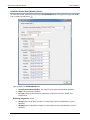
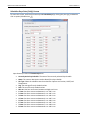
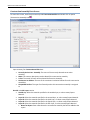
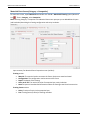
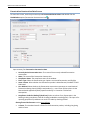
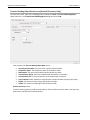
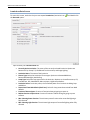
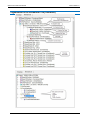
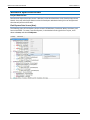
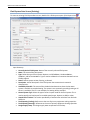
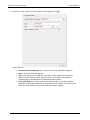
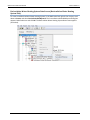
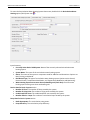
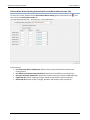
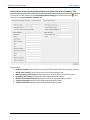
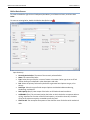
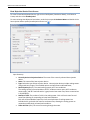
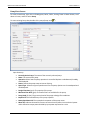
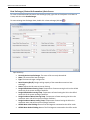
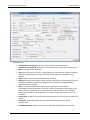
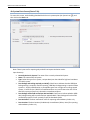
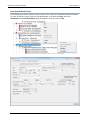
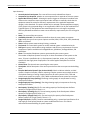
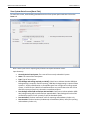
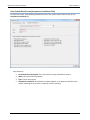
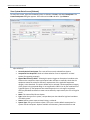
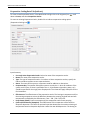
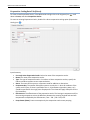
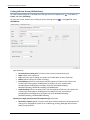
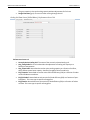
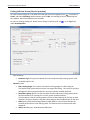
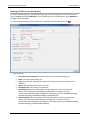
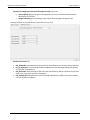
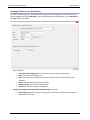
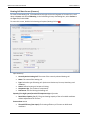
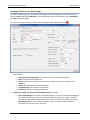
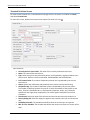
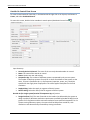
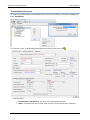
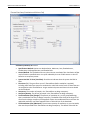
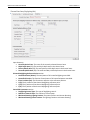
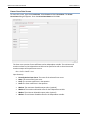
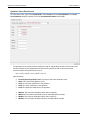
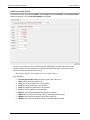
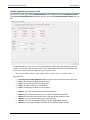
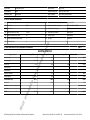
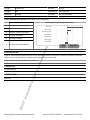
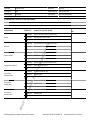
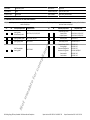
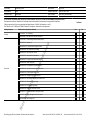
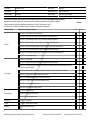
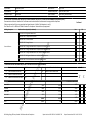
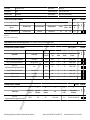
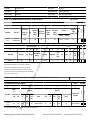
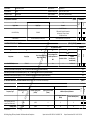
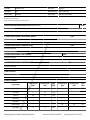
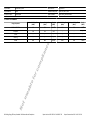
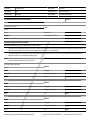
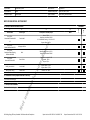
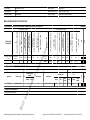
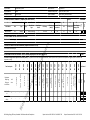
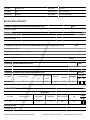
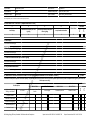
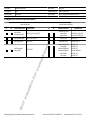
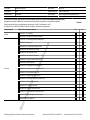
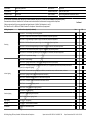
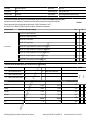
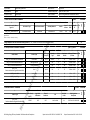
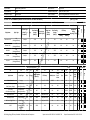
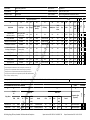
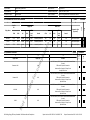
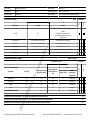
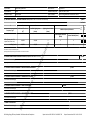
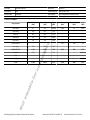
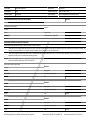
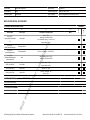
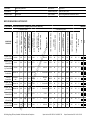
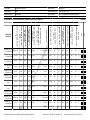
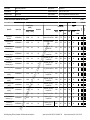
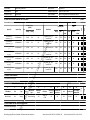
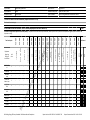
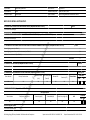
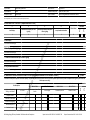
CBECC-Com 2016 User Manual Version 2016.1.0 Project Data Screen (Form 4 Tab) To access this screen, in the Envelope tab double click on the Project name (Project Data icon then click the Form 4 tab. ) and Input summary for the Form 4 tab: Certificates of Installation: Select the forms (certificate installation, certificate of acceptance and certificate of verification summary forms that must be submitted for the features to be recognized for compliance. 46