1
How to activate pouring server:
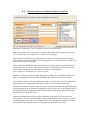
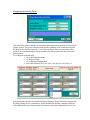
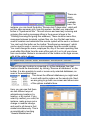
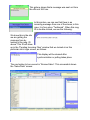
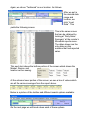
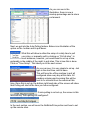
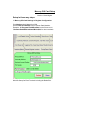
To turn on the Berg system interface:
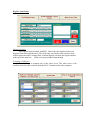
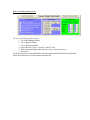
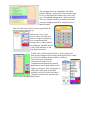
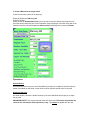
1. Go to the Managers Menu
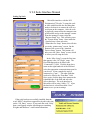
2. Go to Register Setup
3. Go to Register Options
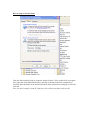
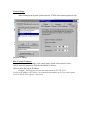
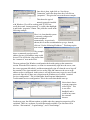
4. Select the tab, License / Defaults / Meal Periods
5. Under licensed Options check the box Liquor Dispensing Server
6. Press Save
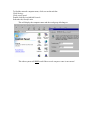
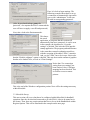
It will be necessary to restart Micro$ale after this option is checked. Each time Micro$ale
starts, the pouring server will be started automatically.