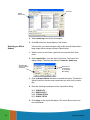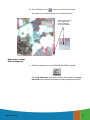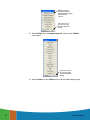
1
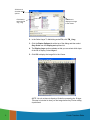
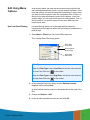
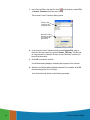
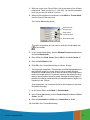
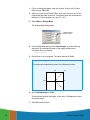
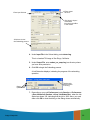
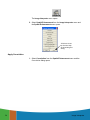
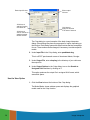
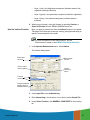
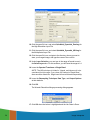
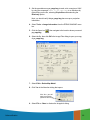
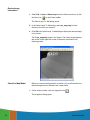
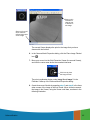
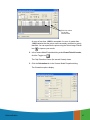
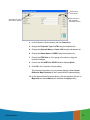
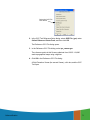
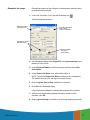
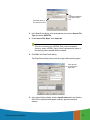
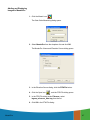
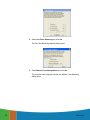
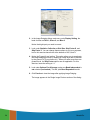
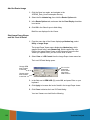
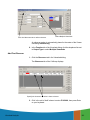
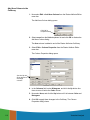
10. Click the open file icon, and select Quickbird_Pyramids_Pan.img for
the High Resolution Input File.
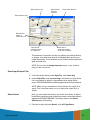
11. Click the open file icon, and select Quickbird_Pyramids_MS.img for
the Multispectral Input File.
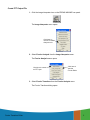
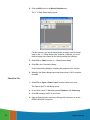
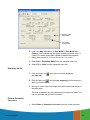
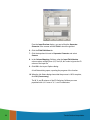
12. Click the open file icon, navigate to the directory where you want to
store your merged image, and type the name of the new file.
13. Under Layer Selection, you can type in the range of bands to use in
the Select Layers box. For this exercise, you will leave the range at 1:4.
14. Leave the Spectral Transform at Single Band.
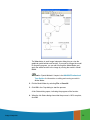
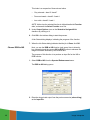
NOTE: The IHS technique is limited to 3 bands, and there are 4 to be
considered for this merge. If you chose IHS instead of Single Band,
there would be distortions. Single band will use all 4 bands sequentially.
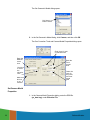
15. Leave the Resampling Technique, Data Type, and Output Options
at their defaults.
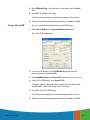
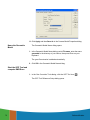
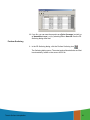
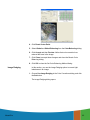
16. Click OK.
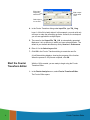
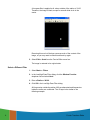
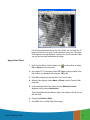
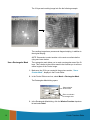
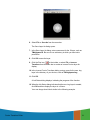
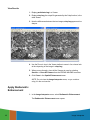
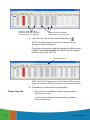
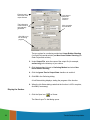
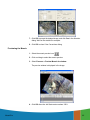
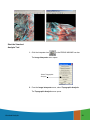
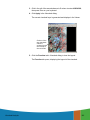
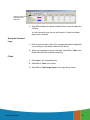
The Wavelet Resolution Merge processing dialog appears.
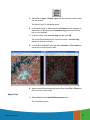
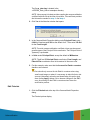
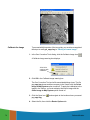
17. Click OK when the button is highlighted and the Job State is Done.
54
Image Interpreter