1
Chapter 3
Preparing for Operation and Monitoring
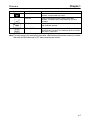
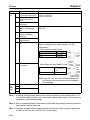
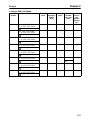
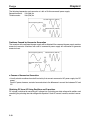
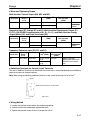
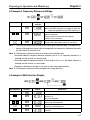
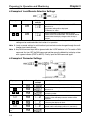
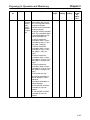
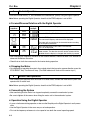
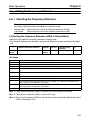
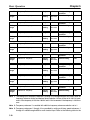
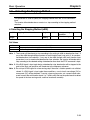
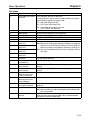
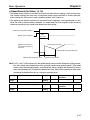
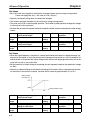
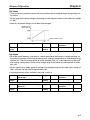
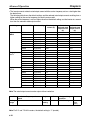
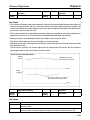
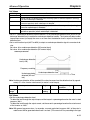
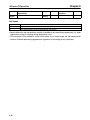
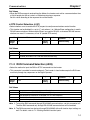
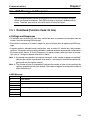
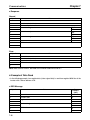
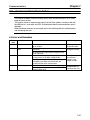
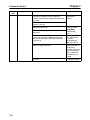
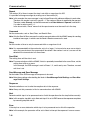
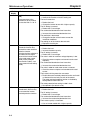
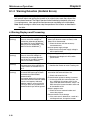
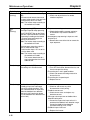
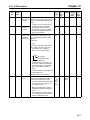
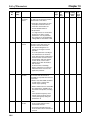
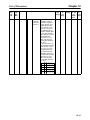
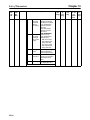
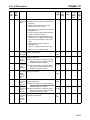
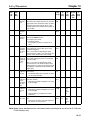
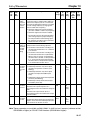
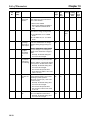
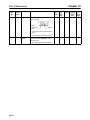
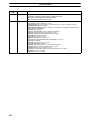
H Example of Frequency Reference Settings
Key sequence
Indicator
Display
example
Explanation
Power On
Note If the FREF indicator has not been lit, press the
Mode Key repeatedly until the FREF indicator is lit.
Use the Increment or Decrement Key to set the
frequency reference.
The data display will flash while the frequency
reference is set. (see note 1)
Press the Enter Key so that the set value will be
entered and the data display will be lit. (see note 1)
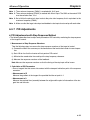
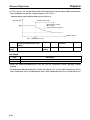
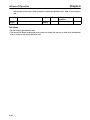
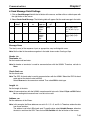
Note 1. The Enter Key need not be pressed when performing the setting for n009. The frequency reference will change when the set value is changed with the Increment or Decrement Key while
the data display is continuously lit.
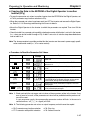
Note 2. The frequency reference can be set in either of the following cases.
S Parameter n004 for frequency reference selection is set to 1 (i.e., frequency reference 1 is
enabled) and the Inverter is in remote mode.
S Parameter n008 for frequency selection in local mode is set to 1 (i.e., the Digital Operator is
enabled) and the Inverter is in local mode.
S Frequency references 2 through 16 are input for multi-step speed operation.
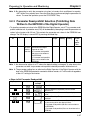
Note 3. The frequency reference can be changed, even during operation.
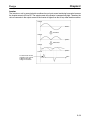
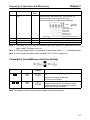
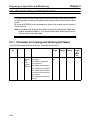
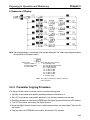
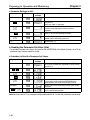
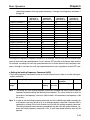
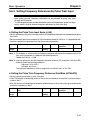
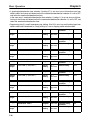
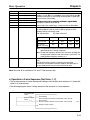
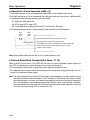
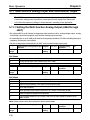
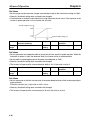
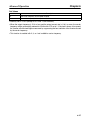
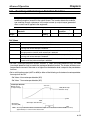
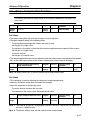
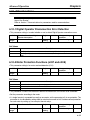
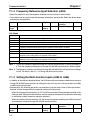
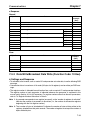
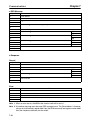
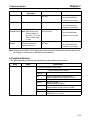
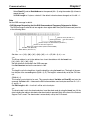
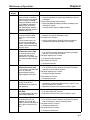
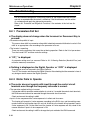
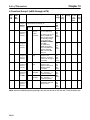
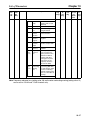
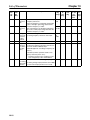
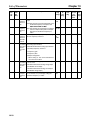
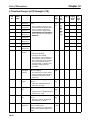
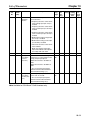
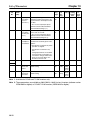
H Example of Multi-function Display
Key sequence
Indicator
Display
Explanation
Power On
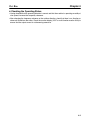
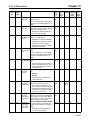
Press the Mode Key repeatedly until the MNTR
indicator is lit.
U01 will be displayed.
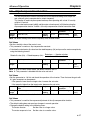
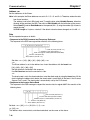
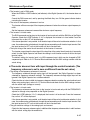
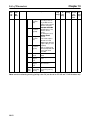
Use the Increment or Decrement Key to select the
monitor item to be displayed.
Press the Enter Key so that the data of the selected
monitor item will be displayed.
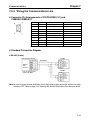
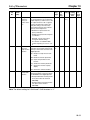
The monitor item will appear again by pressing the
Mode Key.
3-5