1
MUSIC ON HOLD
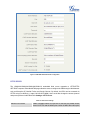
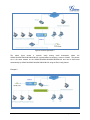
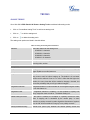
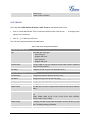
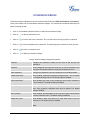
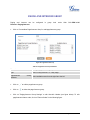
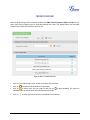
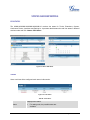
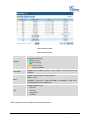
Music On Hold settings can be accessed via Web GUI->PBX->Internal Options->Music On Hold. In this
page, users could configure music on hold class and the music files. The "default" Music On Hold class
already have 5 audio files defined for users to use.
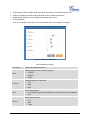
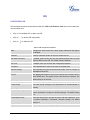
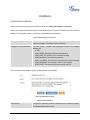
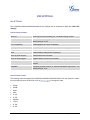
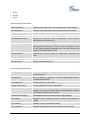
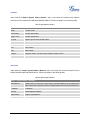
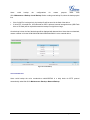
Figure 32: Music On Hold Default Class
•
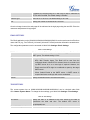
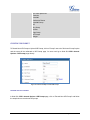
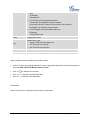
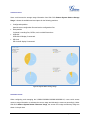
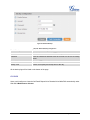
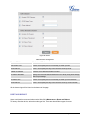
Click on "Create New MOH Class" to add a new Music On Hold class.
•
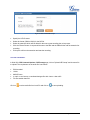
Click on
•
Click on
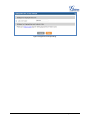
to select music file from local PC and click on
uploaded has to be 8 KHz Mono format with size less than 5M.
•
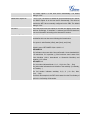
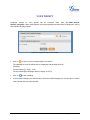
Click on
to delete the selected Music On Hold class.
to start uploading. The music file
to delete the sound file for the selected Music On Hold file.
Firmware Version 1.0.0.32
UCM6102/6104/6108/6116 USER MANUAL
Page 68 of 108