1
Generating an emulation project
4.6 Integrating WinCC servers
4.6.3
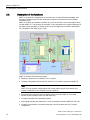
Adapting the connection parameters
All emulated S7 automation controls executed on an emulation computer use the same
Ethernet adapter for communication. For this reason, the connection properties must be
adapted in PCS 7 OS / WinCC. This would not be necessary in an actual S7 automation
controller because every S7 automation controller has its own physical CP. Therefore, the
network configuration in the original project cannot be set up as required for the emulation.
PCS 7 engineering does not allow multiple CPs to share the same physical address.
Proceed as follows:
1. Open the PCS 7 project in SIMATIC Manager.
2. Compile and download the project.
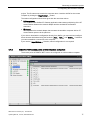
3. Open WinCC Explorer.
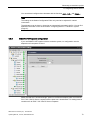
4. Select Tag Management in the left-hand section and select Open in the shortcut menu.
The WinCC Configuration Studio opens.
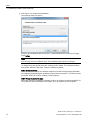
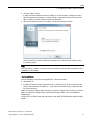
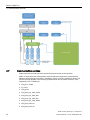
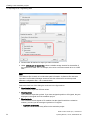
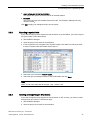
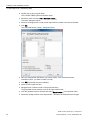
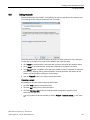
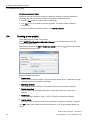
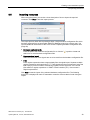
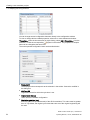
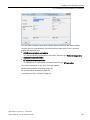
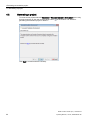
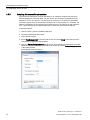
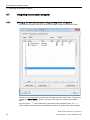
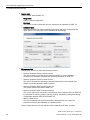
5. Open the Connection parameters dialog box for each emulated S7 automation controller.
Select the required connection in the left-hand section and select Connection parameters
in the shortcut menu.
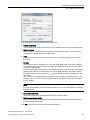
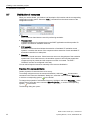
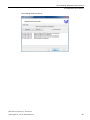
The following dialog box opens:
SIMIT Virtual Controller (VC) - User Manual
74
Operating Manual, 11/2014, A5E32889042-AB