1
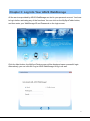
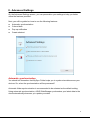
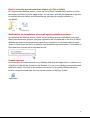
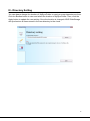
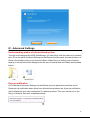
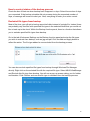
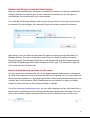
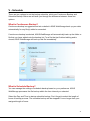
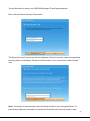
II - Advanced Settings On the Advanced Settings screen, you can personalize your settings to help you better utilize the features provided. Next, you will be guided on how to use the following features: Automatic synchronization Colored dots Pop-up notification Create shortcut Automatic synchronization You should still remember that MySync Folder helps you to synchronize data across your devices. So, when the synchronization will be processed? Automatic folder synchronization is recommended to be selected as the default setting. Using automatic synchronization, ASUS WebStorage synchronizes your latest data to the cloud automatically whenever you update your data. 11