1
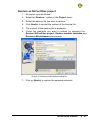
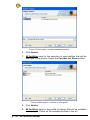
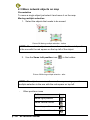
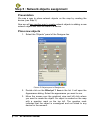
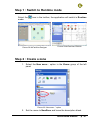
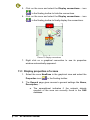
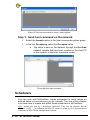
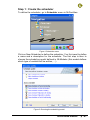
Picture 34 Select template
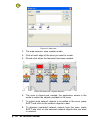
2. Move the Mouse over the graphical map. The mouse pointer is
now the device image. Move over the placement you want to
create the device and just left click at the placement.
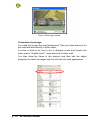
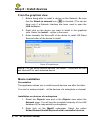
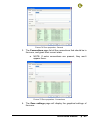
3. A dialog is opened to ask how many objects you want to put
next to the device that will be create. Set number of Blind prf 1
to 3 and select the Place objects around the device option.
Press Continue. The device is created with 3 objects
around it.
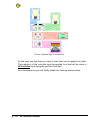
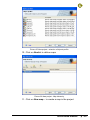
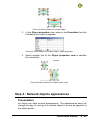
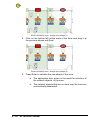
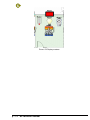
Picture 35 device with objects
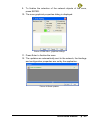
4. Do the same operation several times to drop all the objects
available in NLBlind, NLLightFanCoil, NLSensor on the map.
p : 44
NLFacilities manual