1
Troubleshooting
B.
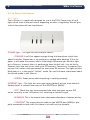
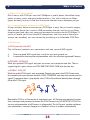
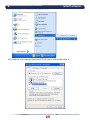
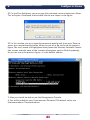
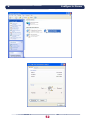
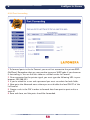
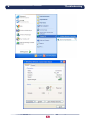
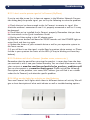
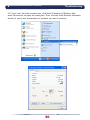
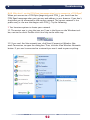
2.2. In the Run dialog box, you must type the command cmd and then press Enter.
This will open a Command shell window.
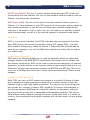
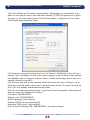
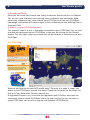
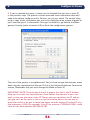
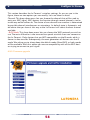
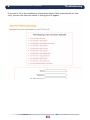
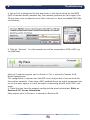
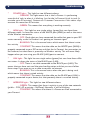
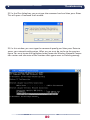
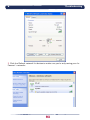
2.3. In this window, you must type the command ipconfig and then press Enter to
access your network configuration. What you see must be similar to the previous
figure. You must locate the highlighted area (locate the Wireless Network Connection section and take note of the numbers that appear next to Default gateway).
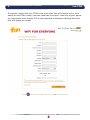
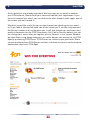
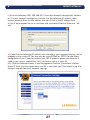
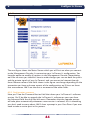
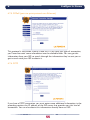
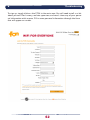
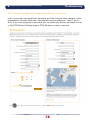
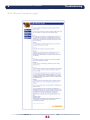
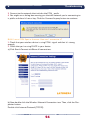
3. Now open your browser and type any URL (for example, wifi.fon.com). You
should be able to see the Management Console.
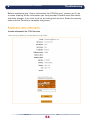
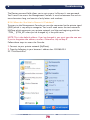
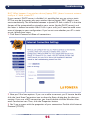
4. You will be asked for the Username and Password. The default values are
Username=admin, Password=admin.
B.3.4. What’s the Management Console’s password?
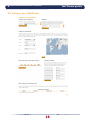
The username and password are “admin” by default. If you ever forget your password, you can access the Router password section from your User Zone in My
FON Router>Configure your FON Router to create a new one.
84