1
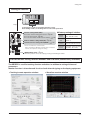
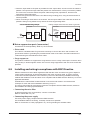
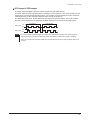
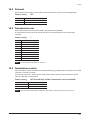
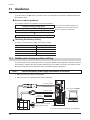
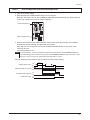
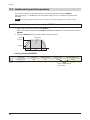
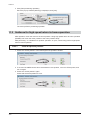
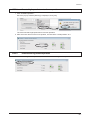
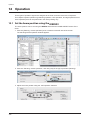
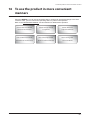
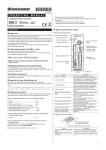
Setup guide Setting of switches Ôïð Connecting to a touch screen makes a PC unnecessary! Data editing, monitor, or checking alarm records can be performed. Function setting switch (SW1)* No.3, No.4: Sets the termination resistor. p.29 No.2: Sets the protocol. p.29 No.1: Sets the address number (slave address). p.28 p.28 Transmission rate setting switch (BAUD) * p.29 Address number setting switch (ID)* * These are switches for communication. When controlling via Modbus communication or industrial network, it is required to change the setting. Factory setting of switches Address number 0 (ID: 0, SW1-No.1: OFF) Transmission Network converter rate (BAUD: 7) Protocol Connecting with network converter (SW1-No.2: OFF) Termination Termination resistor disabled resistor (SW1-No.3, No.4: OFF) HOME-PRESET switch p.30 The home position can be set easily by pressing and holding the switch. Provide the data setting software MEXE02 and USB cable (commercially available) The MEXE02 is used for teaching function and others in addition to setting of data and parameters. Monitor function is also enhanced. Use it to check when designing or developing equipment. Teaching/remote operation window Waveform monitor window −9−