1
r600.book Page 6 Thursday, May 7, 2009 4:35 PM
Important!: If you continue to use your phone without charging its battery,
the phone will shut down.
Activating Your Phone
2.
phone until it slips into place.
3.
Note: Your phone comes packaged with a partially charged rechargeable
standard Li-Ion battery and travel adapter.
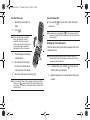
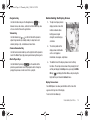
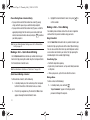
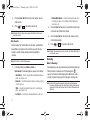
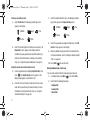
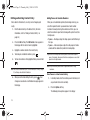
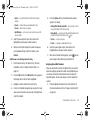
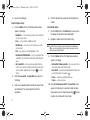
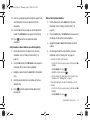
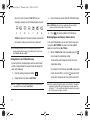
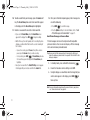
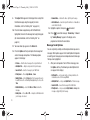
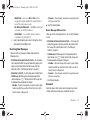
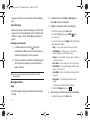
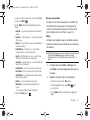
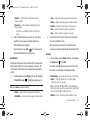
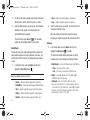
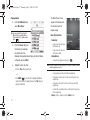
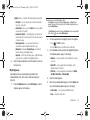
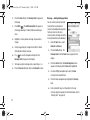
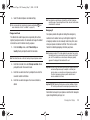
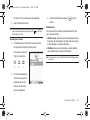
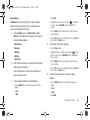
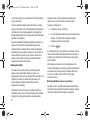
Place the battery cover
over the battery (1) and
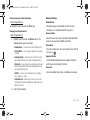
Contact your Wireless Carrier and follow their instructions for
obtaining service, if necessary. We suggest that you read this
guide to fully understand the services your phone supports.
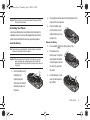
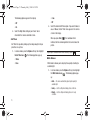
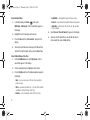
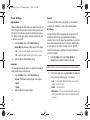
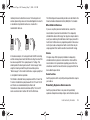
Install the Battery
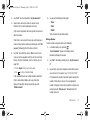
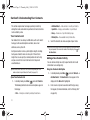
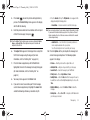
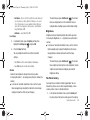
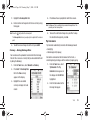
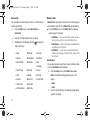
Press lightly on the top end of the battery down into the
slide the battery cover up
into place (2).
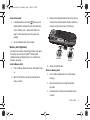
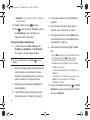
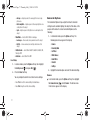
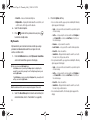
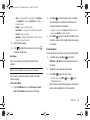
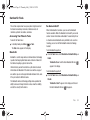
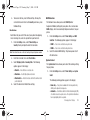
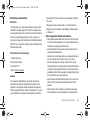
Remove the Battery
1.
Press and hold
2.
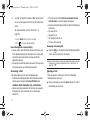
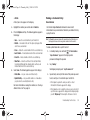
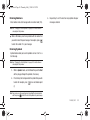
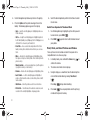
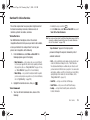
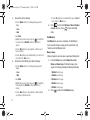
Press down on the
to turn off the phone (if on).
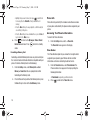
battery cover (1), slide the
cover toward the bottom
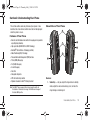
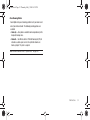
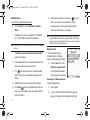
Important!: You must fully charge the battery the first time you use your
phone, otherwise you could damage the battery. From fully
discharged to fully charged, the battery requires up to 4 hours of
charge time.
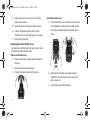
1.
end of the phone, then lift
the cover (2) away from
the phone.
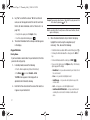
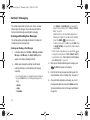
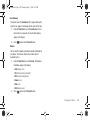
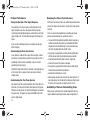
Insert the bottom end of
the battery first,
3.
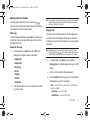
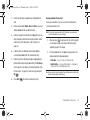
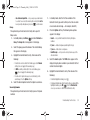
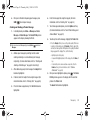
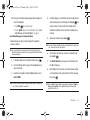
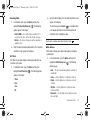
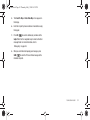
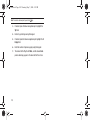
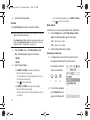
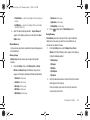
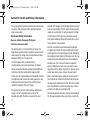
Lift the battery up (1) and
matching the gold
away (2) from the phone,
contacts on the inside of
top end first.
the battery to those on
the phone.
Getting Started
6