1
4-8
GMS Tutorials
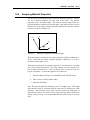
interpolation is performed, rather than computing an average of the data set
values at the scatter point locations, an average is computed of the nodal
functions of the nearby scatter point evaluated at the interpolation point. This
approach allows local trends to be inferred and often results in a more accurate
interpolation.
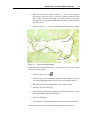
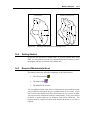
The next scheme we will try is IDW interpolation with planar nodal functions.
1. Select the Interp. Options command from the Interpolation menu.
2. Select the Options button to the right of the Inverse distance weighted
option.
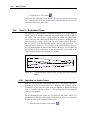
3. In the Nodal function section at the top of the dialog, select the
Gradient plane option.
4. Select the OK button to exit the 2D IDW Interpolation Options dialog.
5. Select the Close button to exit the 2D Interpolation Options dialog.
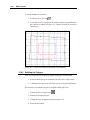
To interpolate to the grid:
1. Select the to 2D Grid command from the Interpolation menu.
2. Enter "idw_planar" for the name of the new data set.
3. Select the OK button.
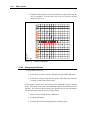
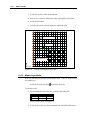
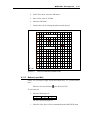
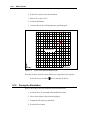
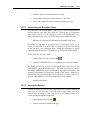
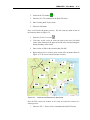
4. Select the Shade macro
4.14
.
IDW Interpolation With Quadratic Nodal Functions
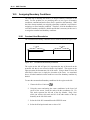
The nodal functions used in IDW interpolation can also be quadratic functions
which are constrained to pass through the scatter point and approximate the
neighboring scatter points in a least squares fashion. The averaging or
blending of the quadratic functions during the interpolation stage often results
in a very smooth surface.
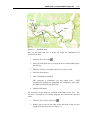
1. Select the Interp. Options command from the Interpolation menu.
2. Select the Options button to the right of the Inverse distance weighted
option.
3. In the Nodal function section at the top of the dialog, select the
Quadratic option.
4. Select the OK button to exit the 2D IDW Interpolation Options dialog.