1
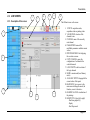
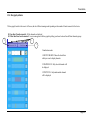
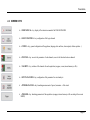
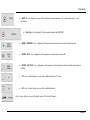
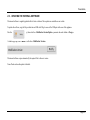
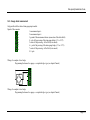
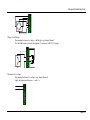
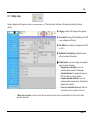
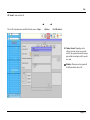
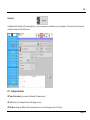
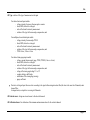
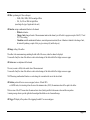
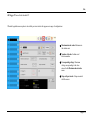
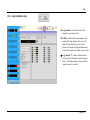
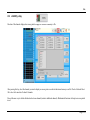
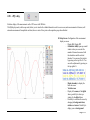
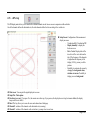
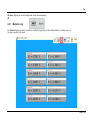
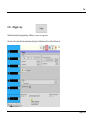
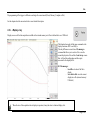
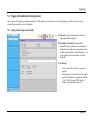
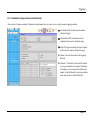
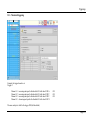
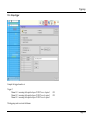
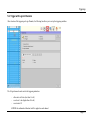
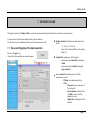
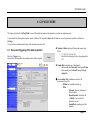
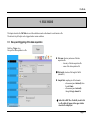
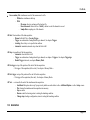
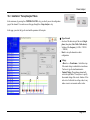
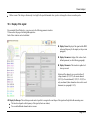
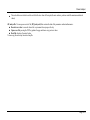
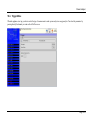
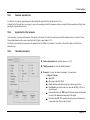
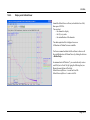
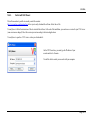
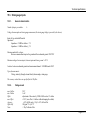
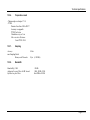
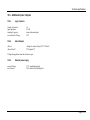
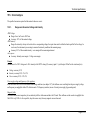
File Mode 9. FILE MODE This chapter describes the File Mode to record the calculations made on the channels in real time into a file. The start and stop of the plot can be triggered under various conditions. 9.1. Set-up and triggering of the data acquisition Push the « Trigger » key. Set-up of the data acquisition to a file. File name: directory and name of the data acquisition file - directory of the data acquisition file - name of the data acquisition file File length: selection of the length of the file (unlimited...) Sample Rate: sampling rate of the channels - advancement paced internally from 1 µs to 10 min - advancement paced externally through the logic channel 16 Add a title to REC files: Possibility to add a title to a file which will appear in the upper toolbar when the file is displayed. Page 9.1