1
UM-004708
Step 2: Updating the USB driver
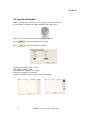
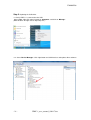
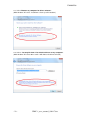
2.1 Verify UDEC-1 is connected to the USB
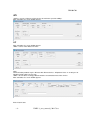
Go to “start”, right click mouse button on “Computer” and click on “Manage”.
(With windows XP right click on My Computer)
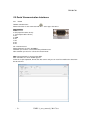
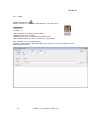
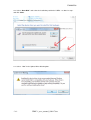
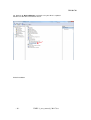
2.2. Go to “Device Manager”. Click right button on COM Interface and update driver software.
- 21 -
UDEC-1_user_manual_130117.doc