1
Chapter 3 MOTLoad Commands
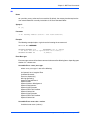
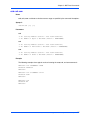
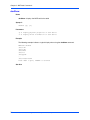
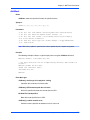
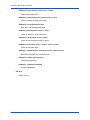
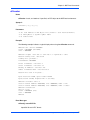
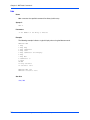
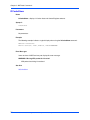
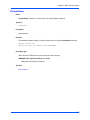
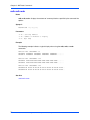
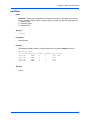
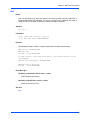
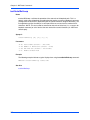
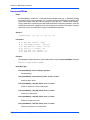
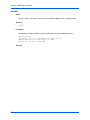
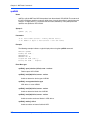
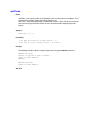
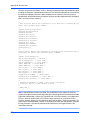
cdGet
Name
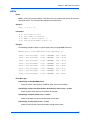
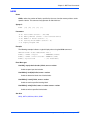
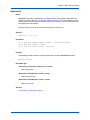
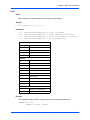
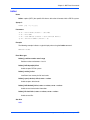
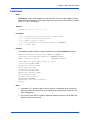
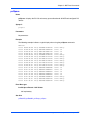
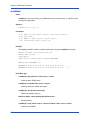
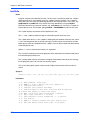
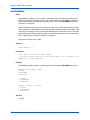
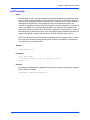
cdGet—copies (GETs) the specified file from a CDROM that is formatted with an ISO9660 file
system (8.3 naming convention). Caveats: Symbolic links are not supported. ISO9660
extensions are not supported (e.g., RockRidge). If the specified file name matches more than
one file on the CD, the first matching file encountered is loaded.
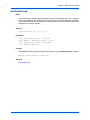
Synopsis
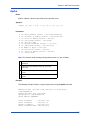
cdGet [-ddevicename] -ffilename [-laddress]
Parameters
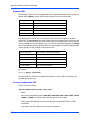
-d Ps: Device Name (Default = /dev/ide0/cdrom1)
-f Ps: File Name.
-l Ph: Load Address (Default = User Download Buffer.
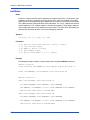
Example
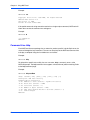
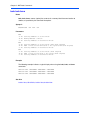
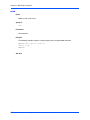
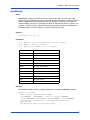
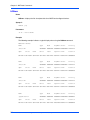
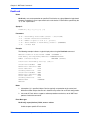
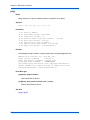
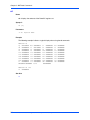
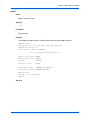
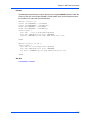
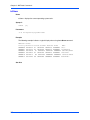
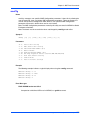
The following example indicates a typical display when using the cdGet command.
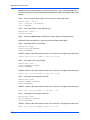
MOTLoad> cdGet -d/dev/idel/cdrom1 -ftest1.elf
cdGet(): 00011E66 (&73318) bytes loaded at address 006B6000
MOTLoad> cdGET -d/dev/idel/cdrom1 -f*.elf -l800000
cdGet(): 00011E66 (&73318) bytes loaded at address 00800000
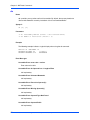
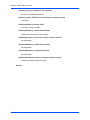
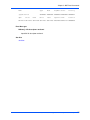
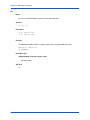
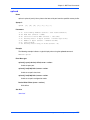
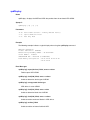
Error Messages
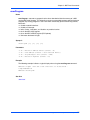
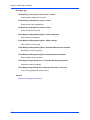
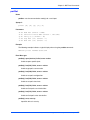
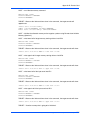
iso9660Get(): open(/dev/cdrom) failed, errno = <value>
Unable to open CD-ROM device/node.
cdGet(): file load failed -- <file name> not found.
Unable to locate filename specified.
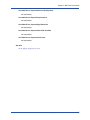
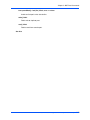
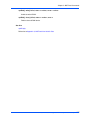
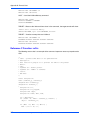
cdGet(): file too large <filesize (hex)> (<filesize (decimal)>) for user buffer
File larger than buffer.
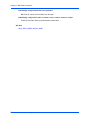
cdGet(): file load failed, status = <value>, errno = <value>
File read error.
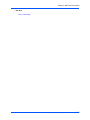
See Also
cdDir, diskBoot
34
MOTLoad Firmware Package User’s Manual (MOTLODA/UM4)