1
CHAPTER 3
Chapter 4. Web
Configuration
& Operation
WEB
OPERATION & CONFIGURATION
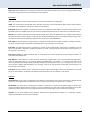
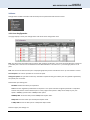
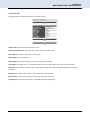
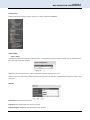
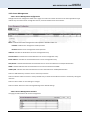
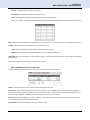
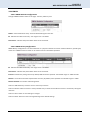
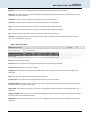
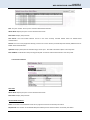
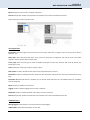
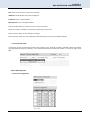
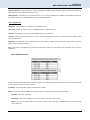
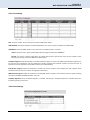
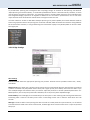
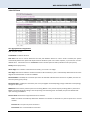
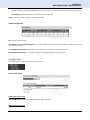
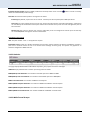
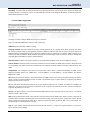
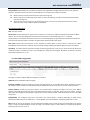
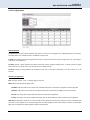
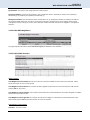
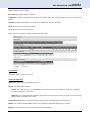
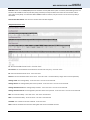
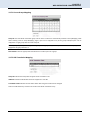
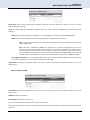
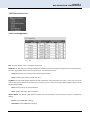
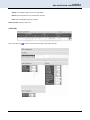
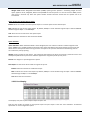
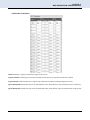
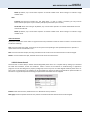
Filtered: The number of received frames filtered by the forwarding process.
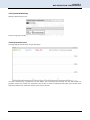
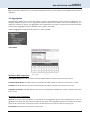
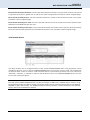
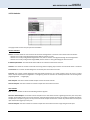
The counter display can be updated by clicking the "Refresh" button. When "Auto-refresh" is checked, the display will
be updated every 3 seconds. Clicking the "Clear" button will zero all counters and start counting again.
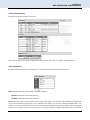
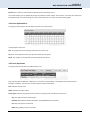
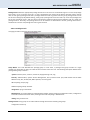
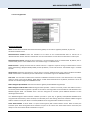
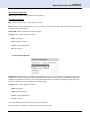
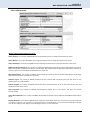
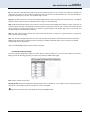
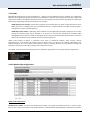
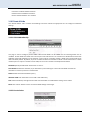
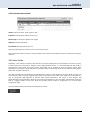
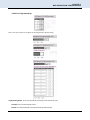
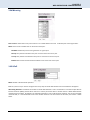
3.3.4 Ports QoS Statistics
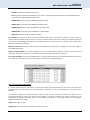
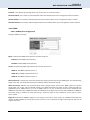
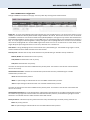
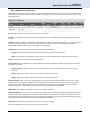
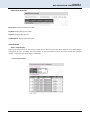
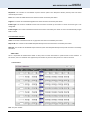
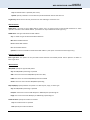
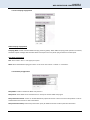
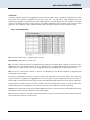
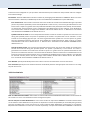
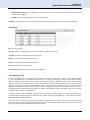
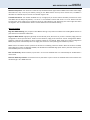
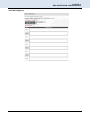
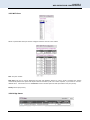
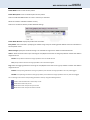
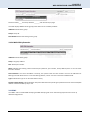
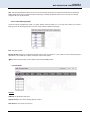
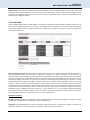
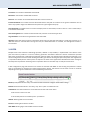
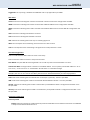
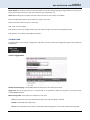
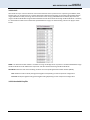
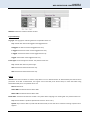
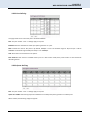
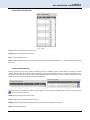
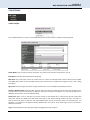
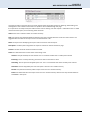
This page provides statistics for the different queues for all switch ports.
The displayed counters are:
Port: The logical port for the settings contained in the same row.
Qn: There are 8 QoS queues per port. Q0 is the lowest priority queue.
Rx/Tx: The number of received and transmitted packets per queue.
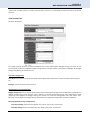
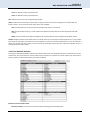
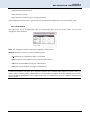
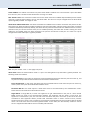
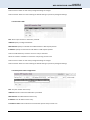
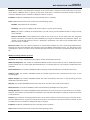
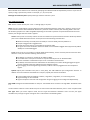
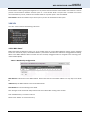
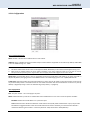
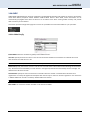
3.3.5 Ports QCL Status
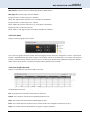
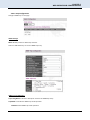
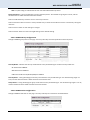
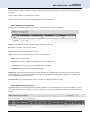
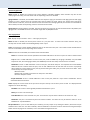
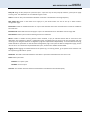
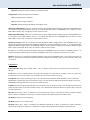
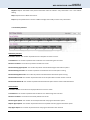
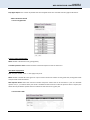
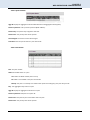
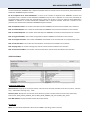
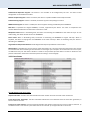
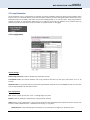
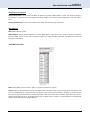
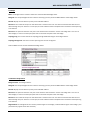
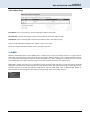
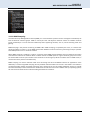
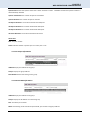
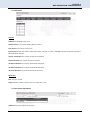
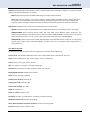
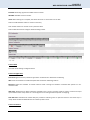
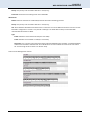
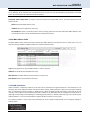
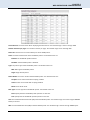
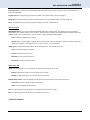
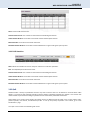
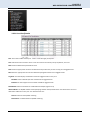
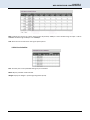
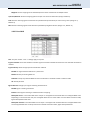
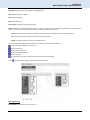
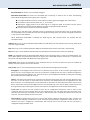
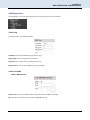
This page shows the QCL status by different QCL users.
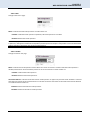
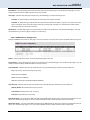
Each row describes the QCE that is defined. It is a conflict if a specific QCE is not applied to the hardware due to
hardware limitations. The maximum number of QCEs is 256 on each switch.
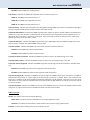
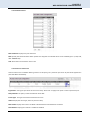
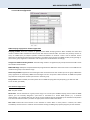
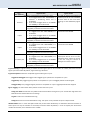
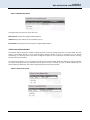
User: Indicates the QCL user.
QCE#: Indicates the index of QCE.
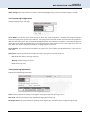
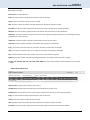
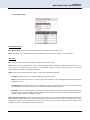
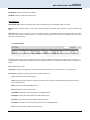
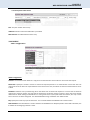
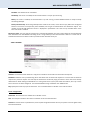
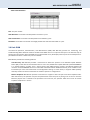
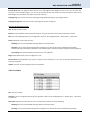
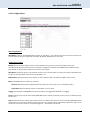
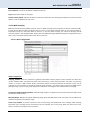
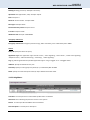
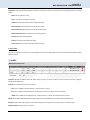
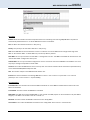
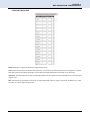
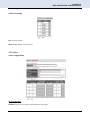
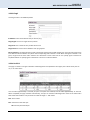
Frame Type: Indicates the type of frame to look for incoming frames. Possible frame types are:
Any: The QCE will match all frame type.
Ethernet: Only Ethernet frames (with Ether Type 0x600-0xFFFF) are allowed.
LLC: Only (LLC) frames are allowed.
SNAP: Only (SNAP) frames are allowed.
26