1
SUBMIT A LOCATE REQUEST
06
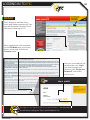
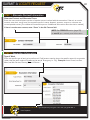
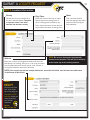
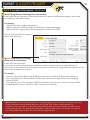
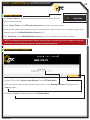
ITIC USER INFORMATION
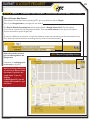
Phone Number and Ext.
These fields will auto-fill with the
information associated with your login.
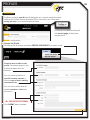
Click the ‘Main Menu’ icon at the
top of the page, then click the
“Edit Account” button to update
your main phone number.
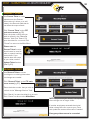
Contact
Enter YOUR first and last name as
the ITIC user entering the information.
Best Time
If you prefer to be contacted during a
certain time of day, enter it here.
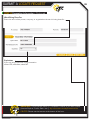
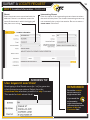
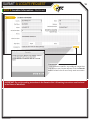
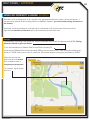
EXCAVATOR INFORMATION
This section will auto-fill with your company information.
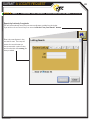
To update your company information, click the ‘Main Menu’ icon at the top of the page, then click the
“Edit Account” button to make changes.
FYI
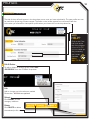
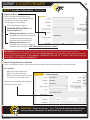
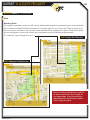
IMPORTANT! Do not use the ‘BACK’ or ‘FORWARD’ buttons of your web browser
(Internet Explorer, Firefox, Safari, etc...). Any information already entered will be
DELETED. Please use the buttons at the bottom of the form.