1
Doc. N° MDU-AP-26-00-02
Rev.03
Date:16.11.2009
AP BLOT
USER MANUAL
Pag. 27
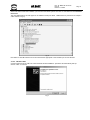
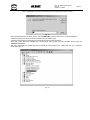
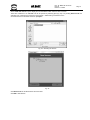
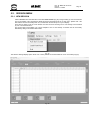
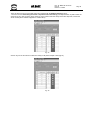
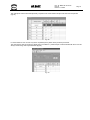
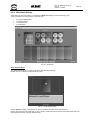
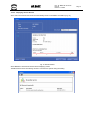
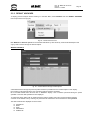
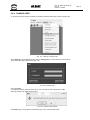
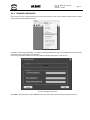
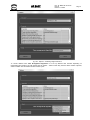
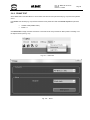
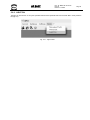
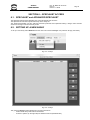
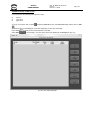
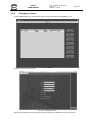
Select Load new license to open display and CD installation folder and then click “Licenses”.
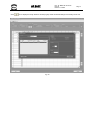
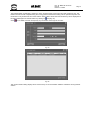
These are contained in an *.xml file and can be opened by selecting Apri (Fig. 23) or by clicking Demo mode and
selecting type of instrument to function in Demo Mode – without being connected to a PC.
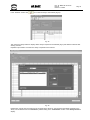
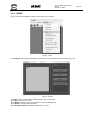
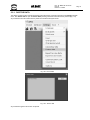
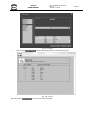
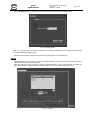
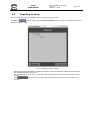
Choose License for instrument and click “Apri/Open”:
Fig. 23– Selecting the license
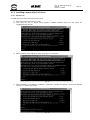
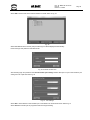
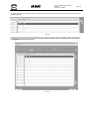
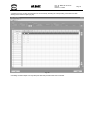
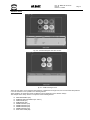
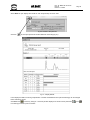
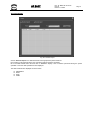
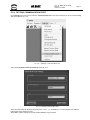
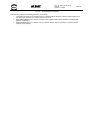
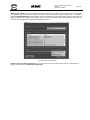
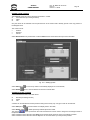
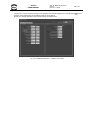
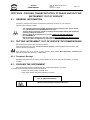
fig. 24
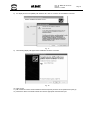
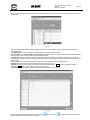
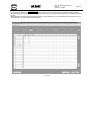
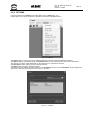
Click Deselect all to de-select license and not load it.
Click OK to load license.