1
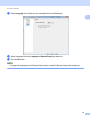
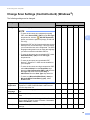
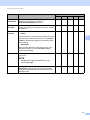
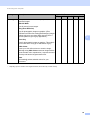
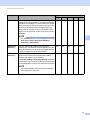
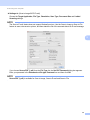
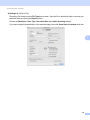
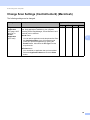
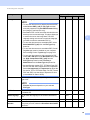
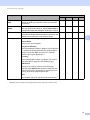
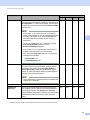
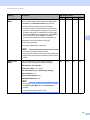
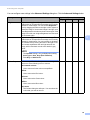
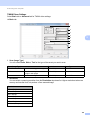
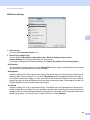
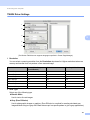
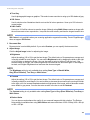
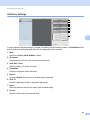
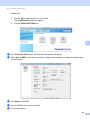
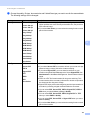
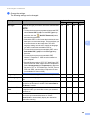
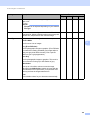
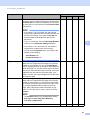
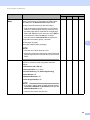
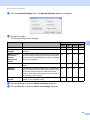
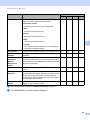
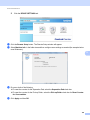
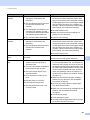
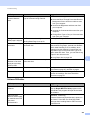
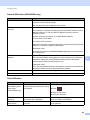
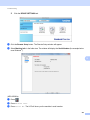
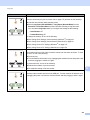
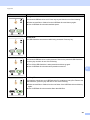
Scan Using Your Computer TWAIN Driver Settings 5 Select Basic tab or Advanced tab for TWAIN driver settings. Basic tab. 1 2 3 4 5 6 5 7 8 1 Scan (Image Type) You can select Photo, Web or Text for the type of document you want to scan. Scan (Image Type) Resolution Scan Type Photo Use for scanning photo images 300 x 300 dpi 24bit Colour Web Use for attaching the scanned image to web pages 100 x 100 dpi 24bit Colour Text Use for scanning text documents 200 x 200 dpi Black & White 2 Resolution You can select a scanning resolution from the Resolution drop-down list. Higher resolutions take more memory and transfer time, but produce a finer scanned image. Resolution 100 x 100 dpi 150 x 150 dpi 200 x 200 dpi 300 x 300 dpi 400 x 400 dpi 600 x 600 dpi 1,200 x 1,200 dpi 100