1
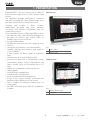
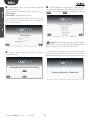
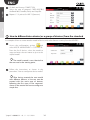
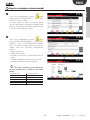
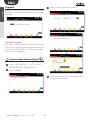
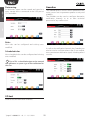
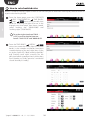
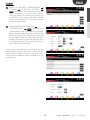
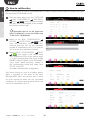
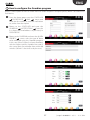
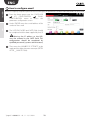
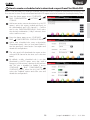
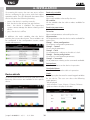
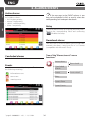
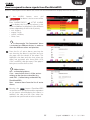
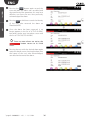
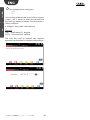
ENG user installer Pressing the button again records the time and date the alarm was cancelled and who performed the operation; this may be a different user from the one who previously acknowledged the alarm. Pressing a third time records the identity of the user who removed the alarm on PlantWatchPRO. Once the alarm has been removed, it no longer appears in the list of ACTIVE ALARMS, but rather can be seen in another screen with the list of CONCLUDED ALARMS. Once no more alarms are active, the button returns to its initial status. Pressing the row with the desired alarm again opens the detail screen, showing the date, time and name of the user who acknowledged, cancelled and removed the alarm. "pwpro" +040000191 - rel. 1.1 - 18.11.2014 36