1
Operation
Chapter 4
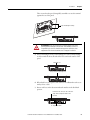
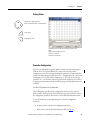
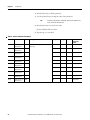
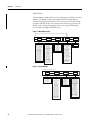
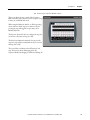
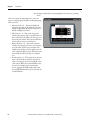
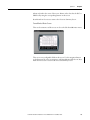
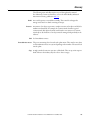
Alarms are listed in the center of the screen. Alarms can be cleared at the PLC or
HMI level by using the corresponding buttons on this screen.
Press Menu then Overview to return to the Overview Summary Screen.
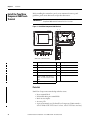
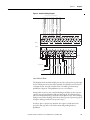
PowerMonitor Meter Screen
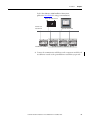
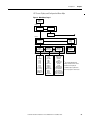
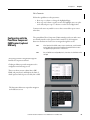
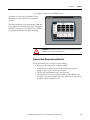
There are four instances of this screen, one for each of the PowerMonitor meters.
There are no user-configurable fields on this screen. Use the navigation buttons
on the bottom of the screen to navigate to each PowerMonitor Data Screen. Press
Menu then Overview to return to the Overview Summary Screen.
Rockwell Automation Publication 1413-UM001D-EN-P - November 2010
63