1
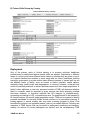
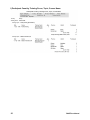
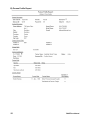
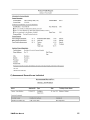
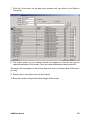
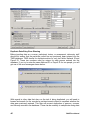
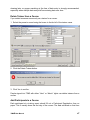
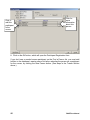
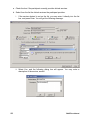
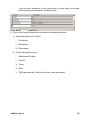
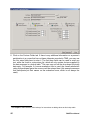
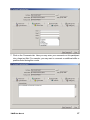
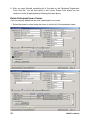
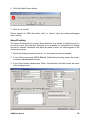
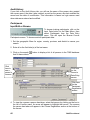
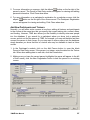
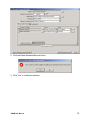
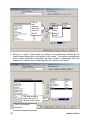
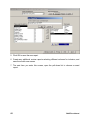
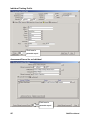
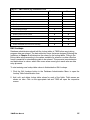
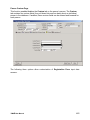
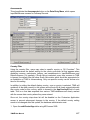
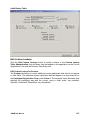
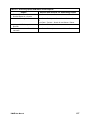
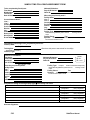
Duplicate Data Entry Error Warning Before inputting data on a course, participant, trainer, or assessment, data entry staff should first ensure that the particular record has not previously been entered into the TIMS database. TIMS checks for duplicate entries for only two fields: National ID and Payroll ID. These two numbers must be unique for each person entered into the database. If you try to enter the same National ID or Payroll ID for two people, you will get one of the error messages shown below: With regard to other data that also run the risk of being duplicated, you will need to browse and search for the records by pertinent search criteria to ascertain whether the data were previously entered. This step will prevent duplication of persons, courses, and followup records in the database. These can be unwieldy to unduplicate during data 46 TIMS User Manual